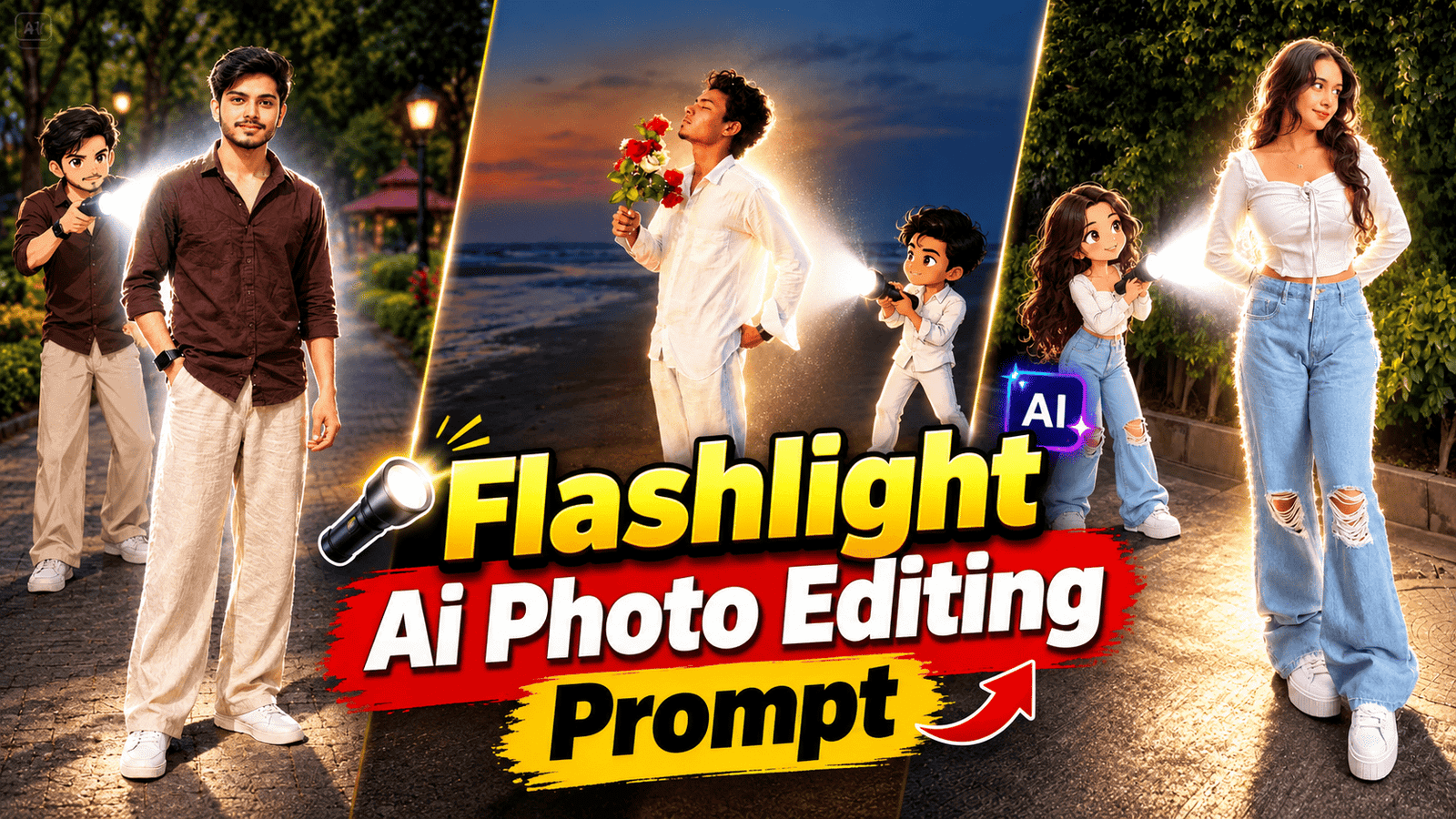
Nowadays, the trend of Ai photo editing is moving forward very fast, people are editing their normal photos in different creative styles and sharing them on their Instagram, Facebook and WhatsApp. If you also want to convert your photo into a stylish Anime Flashlight Ai Photo Editing Prompt, then this A plant can be very useful for you. With the help of this method, you can add background and flashlight effect to your simple photo by adding anime folk to it. The best thing is that you do not have to do any editing yourself. don’t need
What is Anime Flashlight Photo
Envy flashlight photo is a photo editing style in which your normal photo gets clouded in anime world and along with it camera flash lighting and bright lighting effect is applied. In this, strong light on the face in the background, a little darknet soft shadow and cinematic flower are seen. This makes the photo look quite different and attractive. If you want to try something new for your Instagram DP or WhatsApp DP social media post, then this style can be quite interesting.
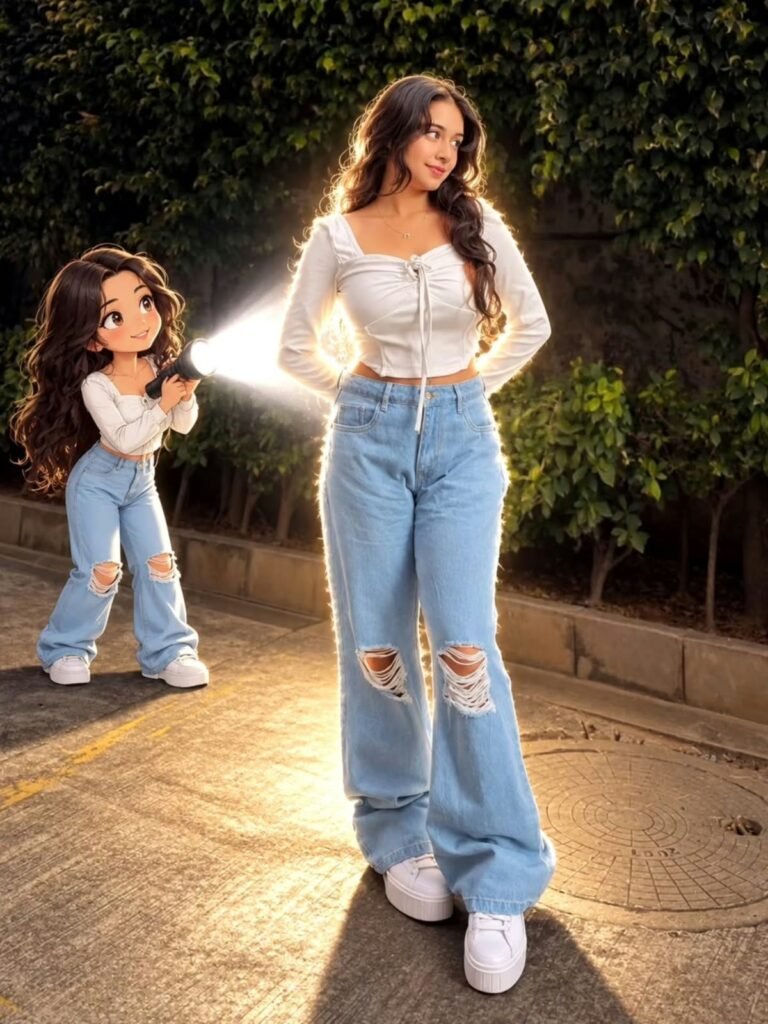
Transform the main subject into a small full-body anime/cartoon version of themselves, matching their hairstyle, outfit, accessories, colors, and recognizable details. Use the reference's chien modern anime aesthetic she nework slightly compact oversizeil proportions, cel shading, and expressive details. Position the anime character directly behind the real subject, holding a flashlight aimed forward at their back. Create an intense realistic white beam that fully illuminates the subject from behind, producing bright rim light, glow, and natural shadows. Dim the surrounding outdoor light for dramatic contrast. Preserve the original scene, camera angle, composition, and realism.
Anime Flashlight Photo Prompt
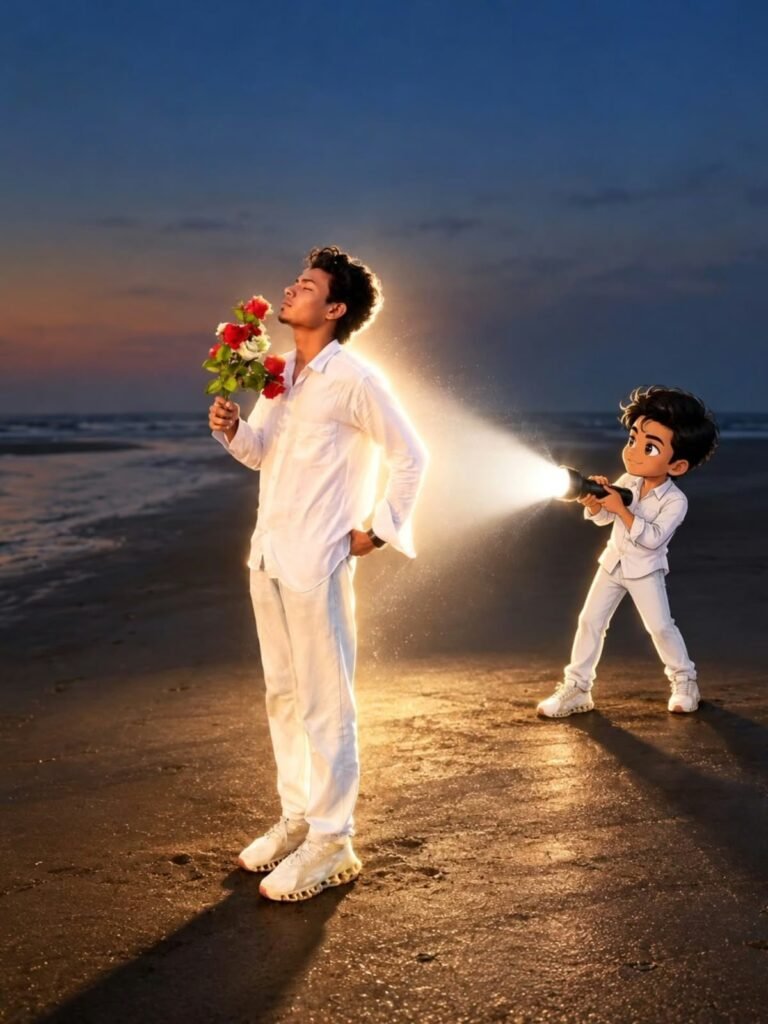
Transform the main subject into a small full-body anime/cartoon version of themselves, matching their hairstyle, outfit, accessories, colors, and recognizable details. Use the reference's clean modern anime aesthetic sharp linework slightly oversized head, compact proportions, cel shading, and expressive details. Position the anime character directly behind the real subject, holding a flashlight aimed forward at their back. Create an intense realistic white beam that fully illuminates the subject from behind, producing bright rim light, glow, and natural shadows. Dim the surrounding outdoor light for dramatic contrast. Preserve the original scene, camera angle, composition, and realism.
How to draw anime flashlight photo
You do not need any professional editing software to create this photo, you can create it in a few simple steps with the help of image editing tools.
Step 1 Select a good photo
First of all, choose such a photo in which your face is clearly visible. By using high quality and clear photo, it becomes easier for the eye to understand the face and other details.
Step 2 Copy prompt
Copy the anime flashlight photo given above. It would be better to copy the layer completely because all the details related to lighting and effects are given in it.
Step 3 Upload your photo
Now open any photo editing tool and upload your original photo, then paste the copied photo here.
Step 4 Generate Ai Photo
Now ask I to generate the email. After some time your photo will be ready with anime style and flashlighting effect. If at first the image does not come as per your expectation then you can try again by making some changes in the front.
Final Word
If you want to turn your normal photo into a trendy anime flashlight A photo editing without much effort, then definitely try the above mentioned start. The best thing about A photo editing is that you can experiment with different styles with the same photo, so instead of stopping at just one result, try different lighting backgrounds and anime styles. This may make your different profile picture. So let’s end today’s article here. See you in the next train. Till then Tata Bye-Bye