
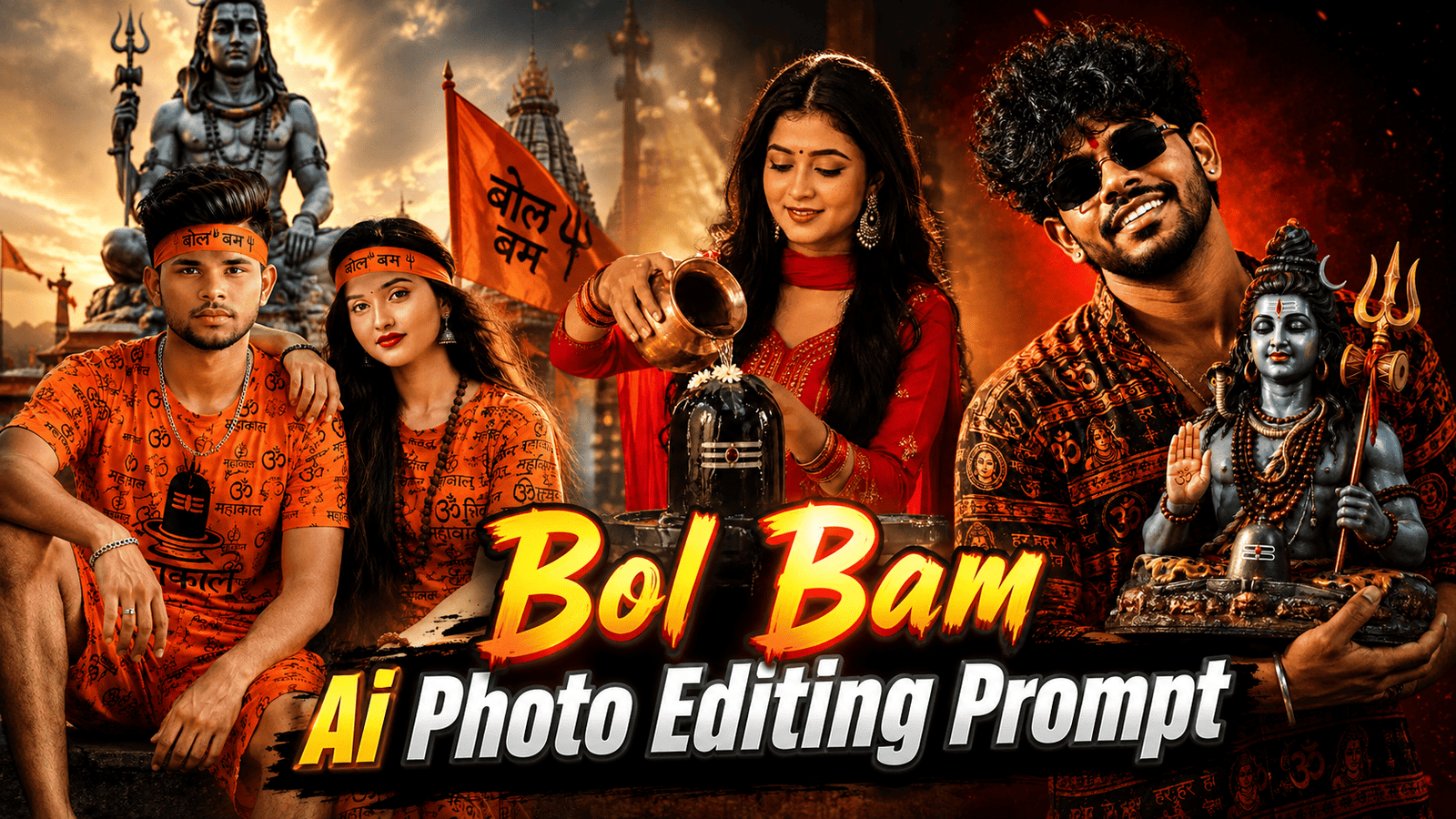
Hello friends, in today’s article, we are going to give you all a free Bol Bam Ai photo editing prompt, using which you can do Bol Bam Ai photo editing in just one click. At present, such Bol Bam photo editing is becoming very viral and we will also talk about why it is going viral. So, to do such Bol Bam photo editing, you should have a normal photo. If you want to do Bol Bam Ai photo editing with your girlfriend, then a normal photo of your girlfriend. It should be in which the face is clearly visible. After this, let us learn step by step how you can start editing a photo.
Why is Bol Bam Ai Photo going viral?
Bol Bam AI photo editing why is it going viral so let’s talk about it also the main reason for such a photo to go viral is that right now the month of Saman is going on and in this month all the devotees go to worship Lord Shiva of Kanvar Lekar. It is a very exciting day for the devotees and all the devotees want to edit their photo with Mahadev and upload it on their social media platform. So that everyone should know that this devotee is a devotee of Mahadev because of which many people are editing such a photo and are posting it on social media because of which such a photo is going viral.
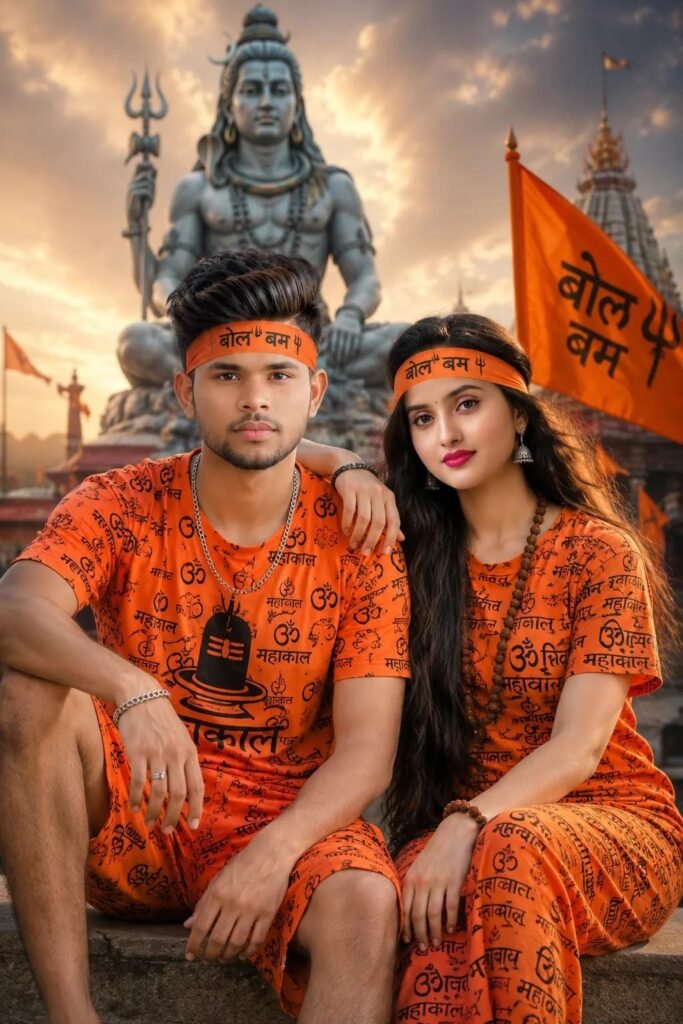
image to Bana Ke Bol Bam ka Mathe per Gam hi Bandha Hona chahie Lagna chahie ki Mahadev ke Bhakt Hain Thoda Aisa image bnao jismein Koi Face change Nahin background bhi change Mahadev ka image do Banakar Bol Bam wala Kapda mein Khubsurat Sa Ek Ladki Ka photo jodo vah bhi bol bam ka kapda pahna Hona chahie PRITAM RAJ face
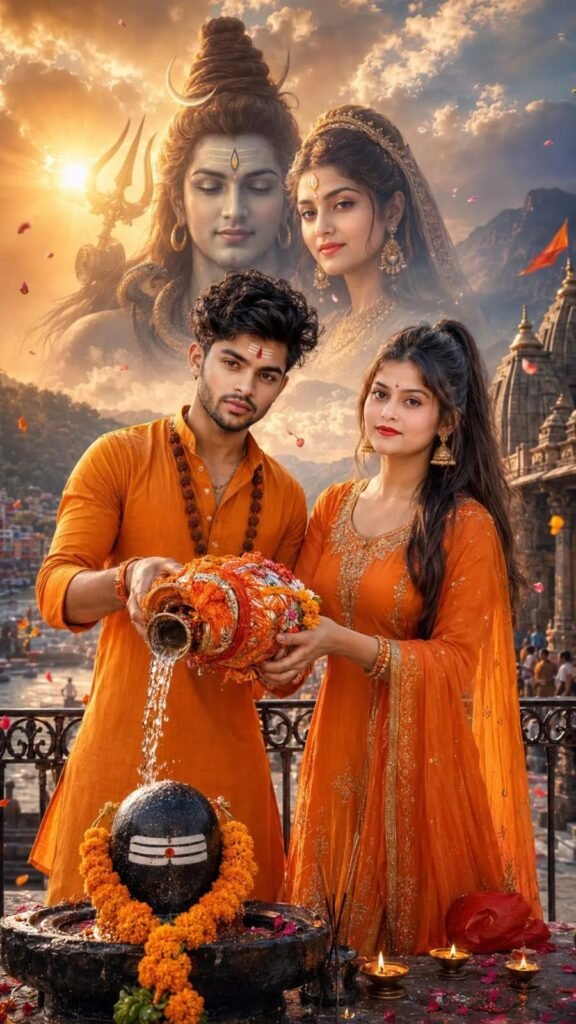
Hyperrealistic full-body portrait, 100% preserve my uploaded face, handsome Indian man and an extremely beautiful Indian woman standing together beside a rustic black metal railing, both looking directly into the camera while jointly pouring holy Ganga water from a beautifully decorated saffron Kanwar onto a sacred black stone Shivling. The woman has long, thick, silky black hair in a sleek high ponytail, glowing fair skin,
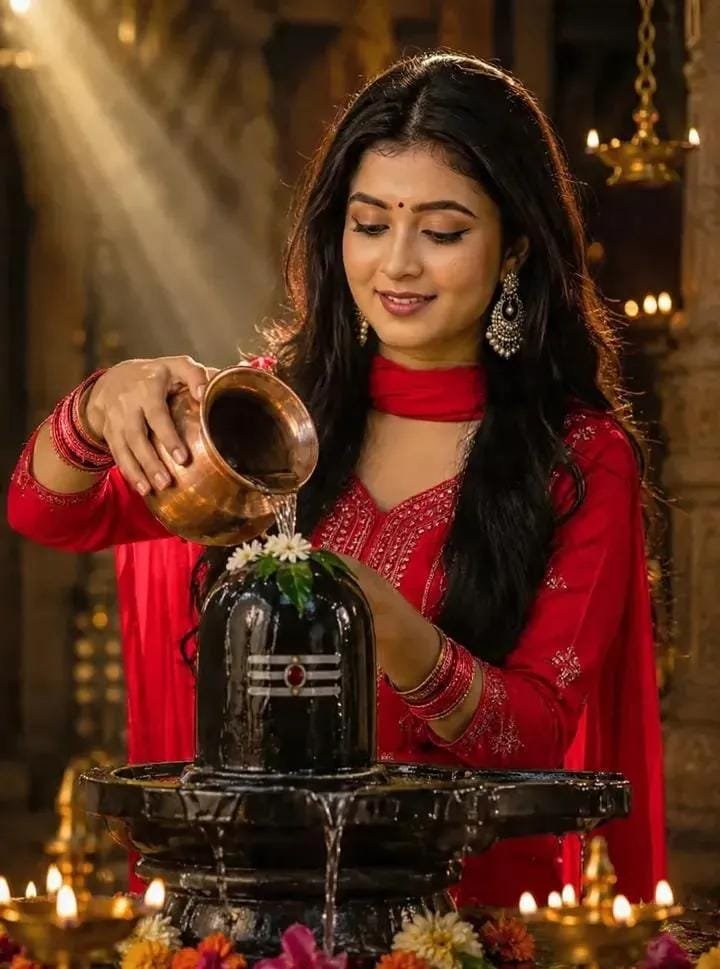
Create a dramatic spiritual portrait of a beautiful Indian woman performing Shiva Abhishekam on a glossy black Shivling, gracefully pouring sacred water from a polished copper kalash. She has soft symmetrical facial features, expressive eyes, radiant glowing skin, long dark wavy hair, elegant traditional beauty, serene devotional expression, eyes gently lowered in prayer.
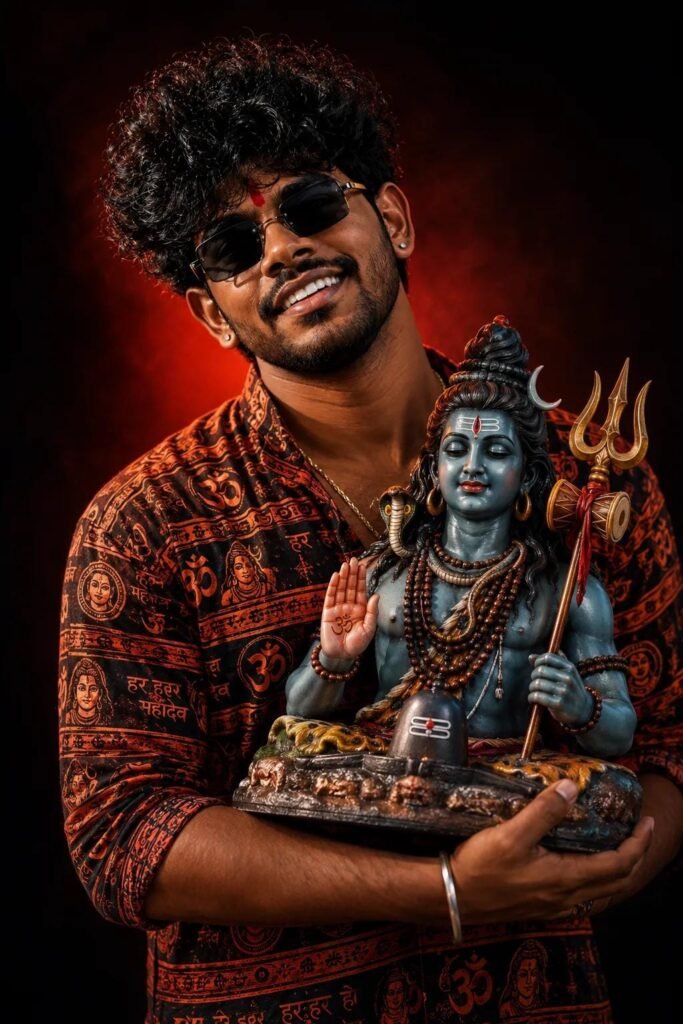
A high-quality studio portrait of a young Indian man same person as uploaded image holding a colorful Lord Mahadev idol during Mahadev celebration. The man is wearing a traditional patterned kurta with vibrant bol Bam kurta prints, standing against a dramatic dark background with a soft red light glow behind him. He, has a natural smile, a small red tilak on his forehead, and is looking slightly upwards with devotion and joy. The Mahadev idol is highly Don't touch my face
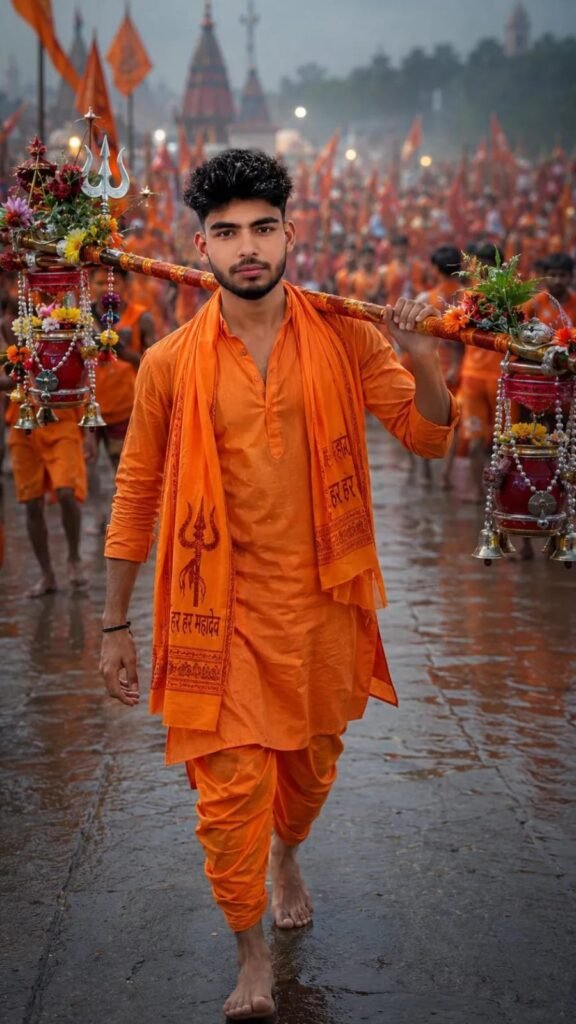
Create an ultra-realistic 4K cinematic Bol Bam Sawan scene featuring the uploaded person. Keep the same face and identity. The person is wearing a stylish saffron (bhagwa) kurta with saffron scarf, walking barefoot on a sacred road carrying a beautifully decorated Kanwar on the shoulders. Background filled with thousands of Bol Bam devotees, saffron flags waving, Har Har Mahadev atmosphere, temple bells, light fog, holy
How to make Mirror Selfie Photo
To do Bol Bam Ai Photo Editing Prompt, first of all you should have a high quality image in which your entire body is visible and to edit this photo, you should have its prompt which we are going to give you in this article. After doing all this, let us tell you step by step the complete process of editing photo with Mirror Selfie Photo.
- First of all open ChatGpt. You can easily download it from Play Store or App Store, or even directly open Chatgpt on Google.
- Click the plus icon and then click Photos. Upload the photo you want to edit here
- Once the photo is uploaded, paste the prompt here. You can find hints below in this article. Copy it from there and paste it here.
- After this click on send button. Wait a few moments for your photo to be created and sent to you.
- Once the photo is created, you will find a download icon at the top. Click on that icon and your photo will be downloaded.
Now, you can upload this image anywhere including Instagram, Facebook or WhatsApp.
Conclusion
In today’s article, I have told you all in a very simple way how you can edit photos using Bol Bam Ai photo editing prompt. In this you will get to see plants for both boy and girl. If you want to edit the photo of couple also, then you will get to see Padma’s in it. If you do not understand how to edit photos from this article, then we have made a video on it and uploaded it. You can watch the video on our YouTube channel. The name of my YouTube channel is You can watch TSAI Bro Eye Editor on this channel, so let’s end today’s article here, see you with the next article, till then Tata bye bye.

1 thought on “Bol Bam Ai Photo Editing Prompt 2026”