Hello friends, in today’s article we are going to give you all the top 10+ 15th August Ai photo editing prompts for free, using which you can make a photo of 15th August in just one click. It is very easy to edit such a photo. You can make such a photo in a very short time. How to edit the photo, where will you get the front sir process? In today’s article, we are going to give it to all of you, so read this article till the end without doing this.
Why is the 15 August AI photo going viral?
Now let us talk about why 15th August Ai photo editing prompt is going viral, then you all must know that our country got independence on 15th August 1947. We celebrate this independence as a celebration, which we call 15th August. On this day, flag is waved in all schools or at all government places and to celebrate this celebration, many people make their own photo on it before 15th August. We put the photo in the story of our Instagram, Facebook or WhatsApp and upload it on our social media platform and such a photo looks very beautiful. Whoever has seen this photo also wants to make his own 15th August photo of such a patriot, then in the comment box of the photo, many people comment that please share this image, due to which such a photo is becoming very viral.
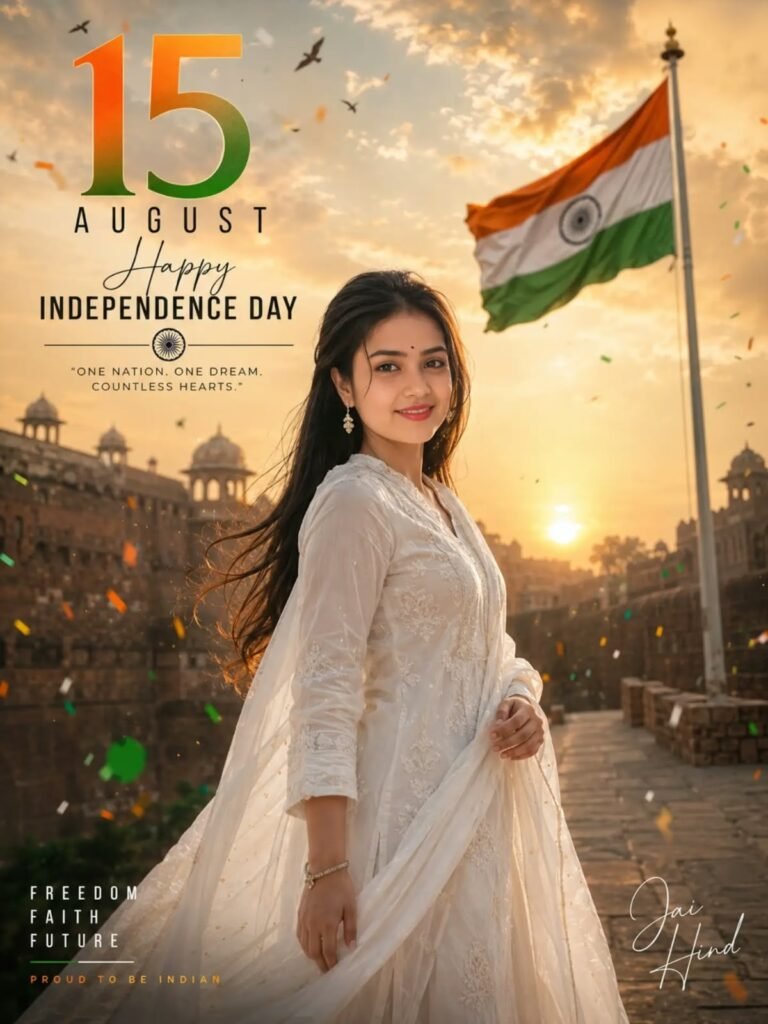
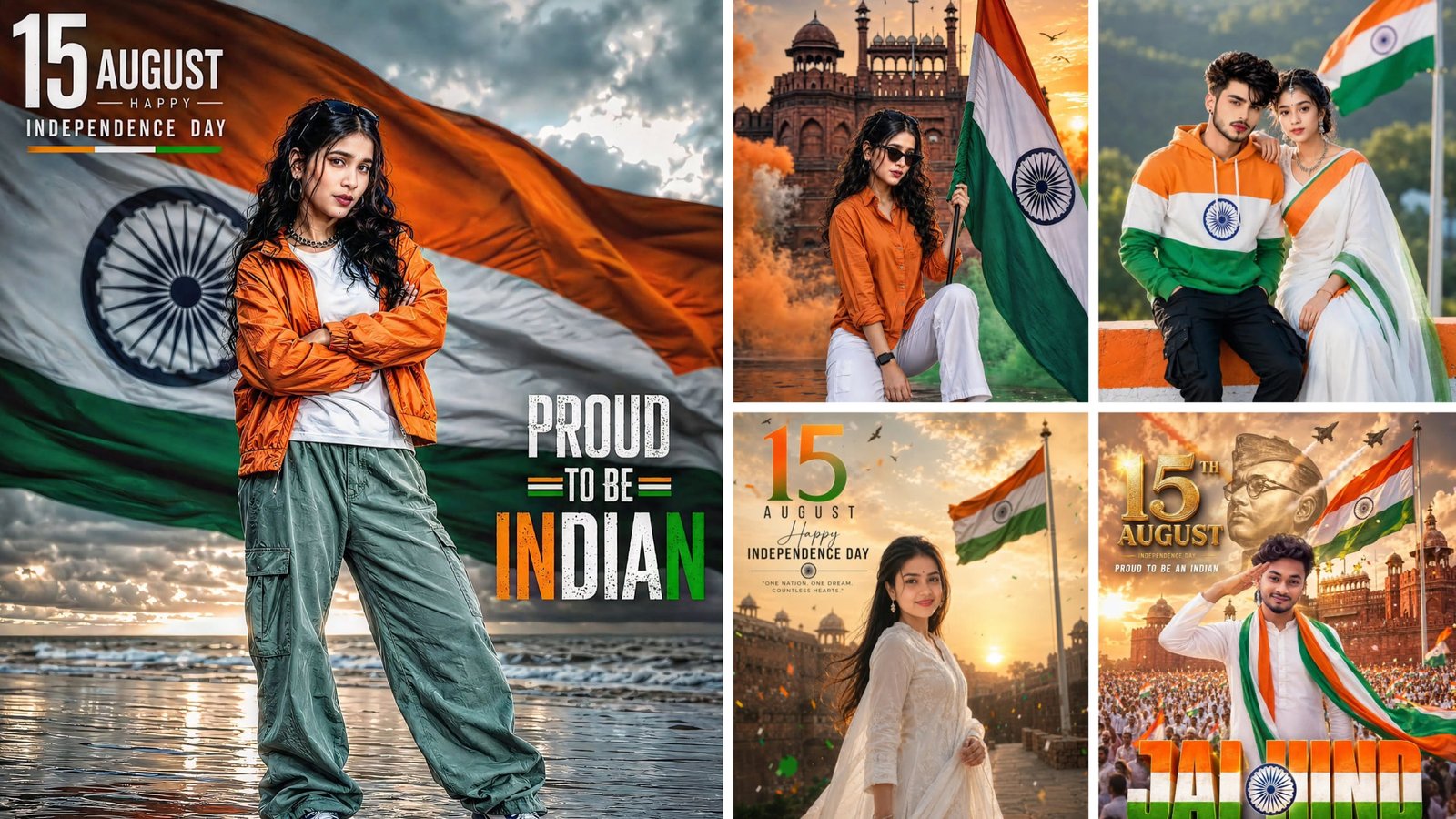
Create an ultra-realistic cinematic Independence Day editorial photoshoot in vertical 3:4 ratio featuring a beautiful young Indian woman with naturally attractive features, wearing a premium embroidered white kurta with a flowing white dupatta. Keep the same historic Indian sandstone fort/palace background at golden sunrise with identical warm cinematic lighting, dramatic clouds, floating saffron, white and green confetti, birds in the sky, soft wind, and a large Indian flag fully visible on a tall flagpole without cropping. Change ONLY the pose and camera angle. Pose: The woman stands naturally on the stone pathway with her body turned about 45° toward the camera. She looks directly into the camera with a bright, genuine smile. Chin slightly raised, shoulders relaxed, one hand gently holding the edge of her dupatta near the waist while the other hand rests naturally by her side. Hair flowing softly in the wind. Elegant confident posture with natural body language. Camera: Eye-level portrait shot, slightly from the left side, 85mm DSLR lens, shallow depth of field, soft cinematic bokeh, magazine-cover composition. Keep the exact same premium typography layout and placement: "15" in oversized luxury bold gradient typography (saffron to deep green) "AUGUST" in modern uppercase sans-serif with wide spacing "Happy" in elegant handwritten signature script "INDEPENDENCE DAY" in bold modern uppercase typography Divider with Ashoka Chakra icon Quote: "ONE NATION. ONE DREAM. COUNTLESS HEARTS." Bottom-left stacked words: FREEDOM FAITH FUTURE Caption: "PROUD TO BE INDIAN" Bottom-right elegant handwritten "Jai Hind" Maintain the same editorial composition, premium magazine aesthetics, realistic skin texture, natural facial details, authentic fabric movement, balanced negative space, luxury color grading, HDR lighting, ultra-photorealistic DSLR quality, award-winning Independence Day poster design, no Al look.
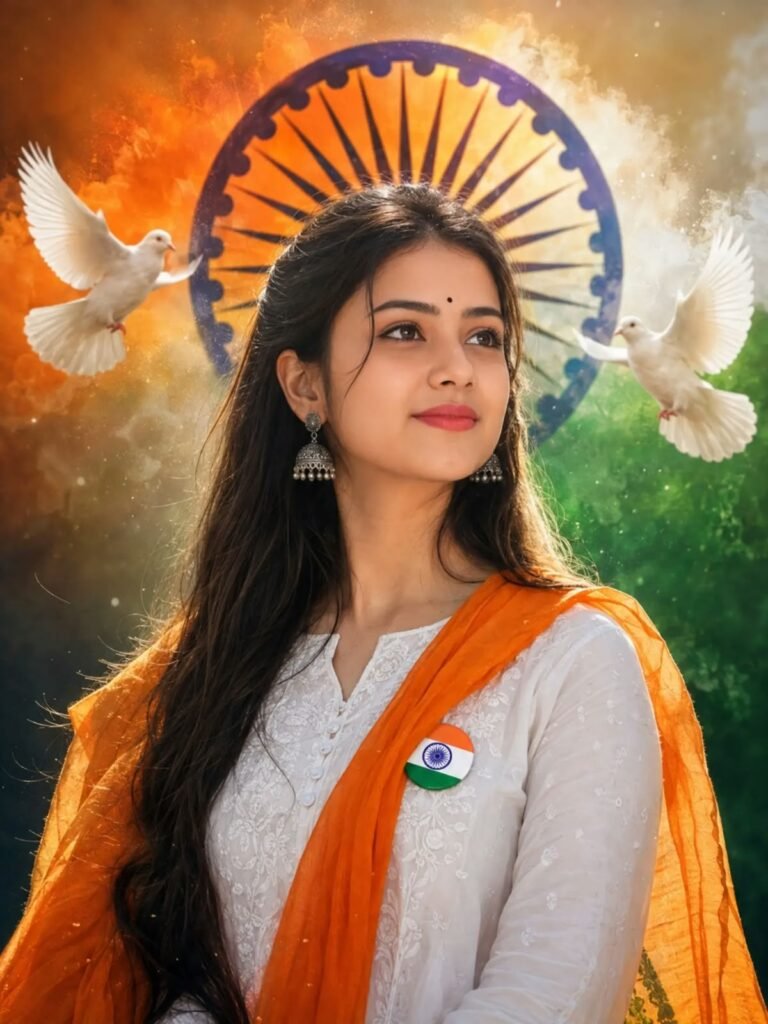
Create an ultra-realistic patriotic portrait of a beautiful young Indian woman wearing an elegant white embroidered kurti with a flowing saffron stole and a premium Indian tricolour badge pinned to her chest. She wears traditional oxidized jhumka earrings, a tiny black bindi, and has long natural hair with a soft, confident smile while looking slightly upward with pride. Behind her, a giant glowing Ashoka Chakra blends into a dramatic saffron, white, and green smoky background. Two majestic white doves fly gracefully on both sides, symbolizing peace and freedom. Add cinematic volumetric lighting, soft rim light, realistic skin texture, HDR, DSLR 85mm lens, creamy bokeh, ultra-detailed fabric, vibrant tricolour color grading, premium studio-quality composition, photorealistic, masterpiece, 8K resolution, inspiring patriotic atmosphere, Happy Independence Day, no watermark, no text, viral social media style. Aspect Ratio: 3:4
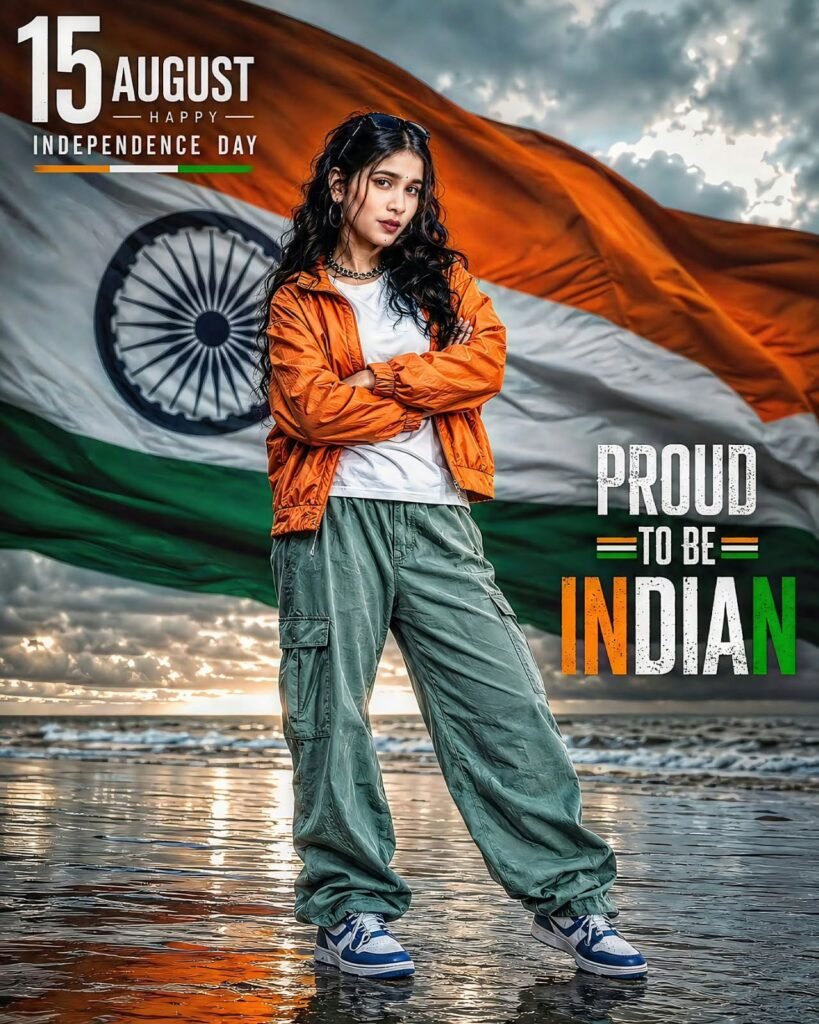
Use the uploaded reference image as the exact face reference. Preserve the same woman's face identity, facial features, skin hairstyle, expression, and overall appearance with 100% face consistency. Create a hyper-realistic SK DSLR Independence Day portrait. She is standing confidently on a wet beach with folded arms, wearing an orange jacket over a white T-shirt, green cargo pants, and blue-white sneakers. A gigantic waving Indian tricolour flag fills the entire background with a large Ashoka Chakra clearly visible. Cinematic cloudy sky, patriotic atmosphere, realistic reflections on wet sand, natural daylight, ultra-sharp focus, professional photography, realistic skin texture, highly detailed clothing, dramatic composition. Add stylish typography: "15 AUGUST – HAPPY INDEPENDENCE DAY" at the top left and "PROUD TO BE INDIAN" on the right side. Premium Independence Day poster, ultra-realistic, natural colors, 8K HDR, DSLR quality, no AI artifacts, highly deta
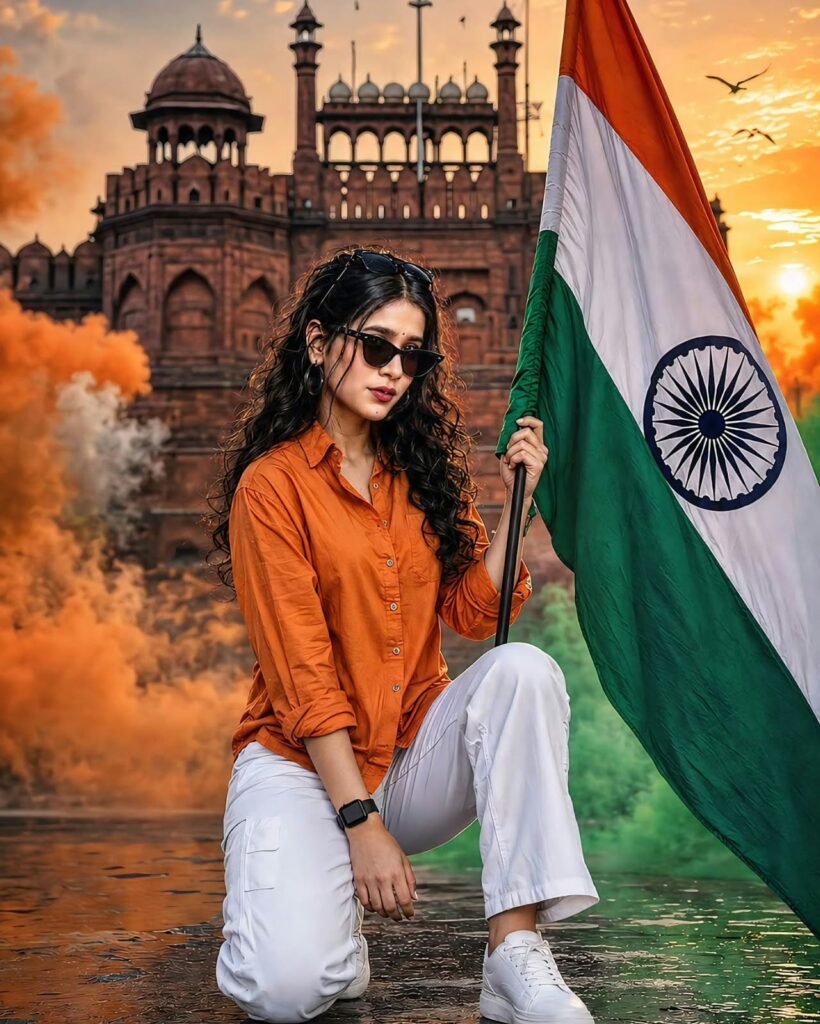
Ultra-realistic DSLR patriotic portrait of a stylish young Indian woman wearing an orange shirt, white jeans, white sneakers, black sunglasses, and a smartwatch, kneeling while holding a large Indian Tiranga flag. Dramatic Red Fort background at golden sunset, saffron and green smoke, flying birds, cinematic lighting, vibrant colors, shallow depth of field, highly detailed, 8K, patriotic, Instagram 4:5 composition. Face same as reference image. Ladki ki image and girl body girl hair girl images female kapde chahiye
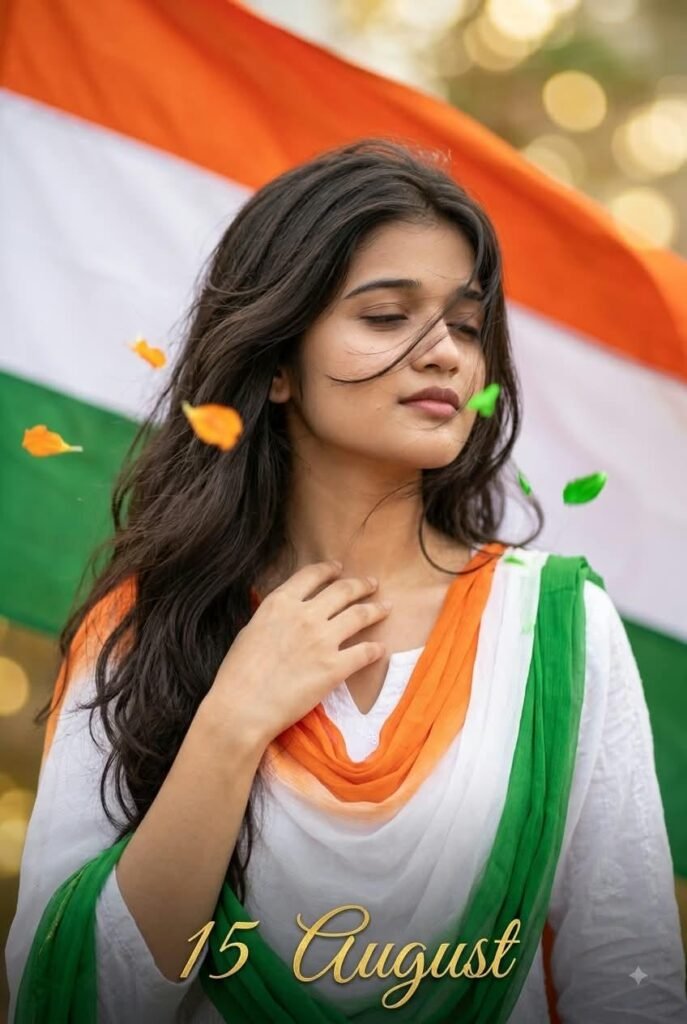
Indipendence Day Prompt: "Close-up portrait, Indian woman, mid-20s, wavy hair blowing across face, eyes slightly closed in emotional patriotic expression, hand resting near collarbone, wearing white kurti with tricolor dupatta. Tricolor flag fabric filling most of the background, soft golden bokeh. Petals drifting close to face. "15 August" gold script bottom corner. Vertical 4:6, HD ultra-realistic photography."
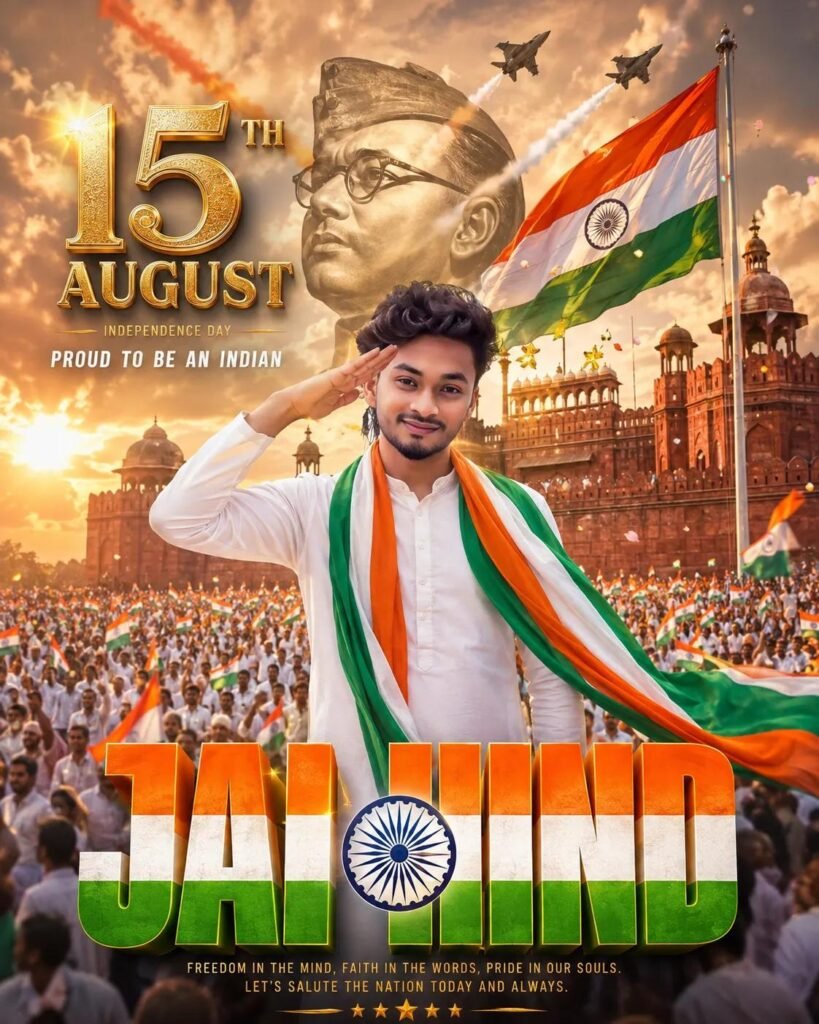
Create a Vertical 4:5 ultra-realistic cinematic 15th August Independence Day poster young Indian man in white kurta-pajama saluting, flowing tricolor scarf, Red Fort-style monument and massive patriotic crowd behind, giant Indian flag, fighter jets, dramatic golden clouds, monumental freedom-fighter portrait, ornate gold 3D “15th AUGUST” typography,huge tricolor “JAI HIND” lettering with Ashoka Chakra, golden-hour volumetric lighting,HDR, photorealistic, 16K UHD, premium patriotic poster.
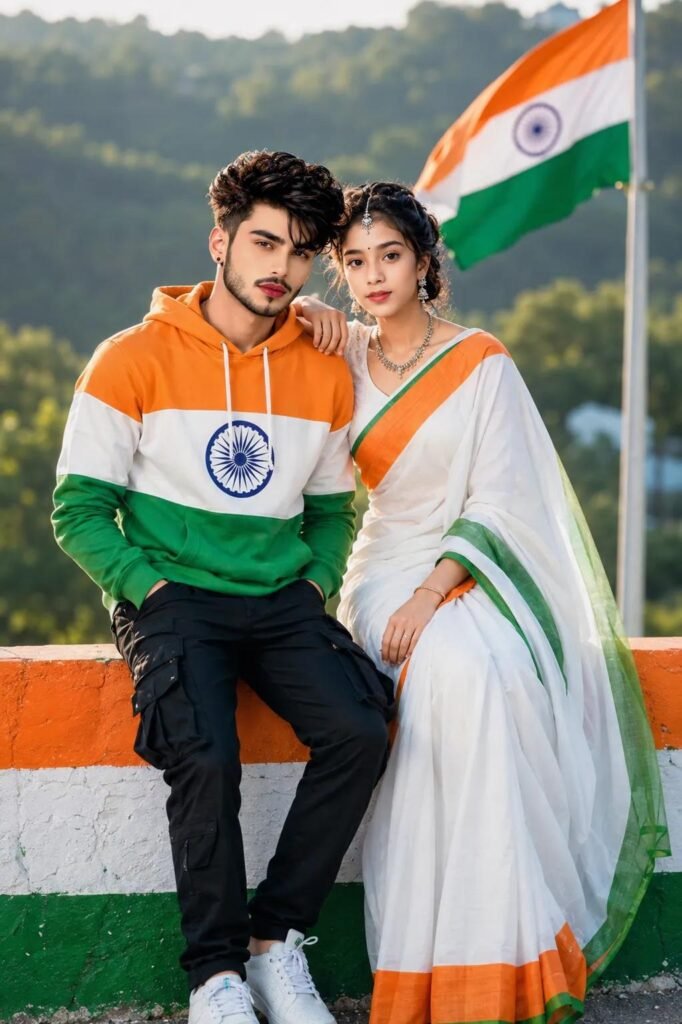
Photorealistic young Indian couple sitting together on a tricolor-painted wall, Indian flag waving behind them, boy in orange-white-green hoodie with Ashoka Chakra and black cargo pants, girl in white saree with saffron-green border, natural greenery background, patriotic Independence Day theme, cinematic DSLR photography, sharp details, realistic skin, 4K.
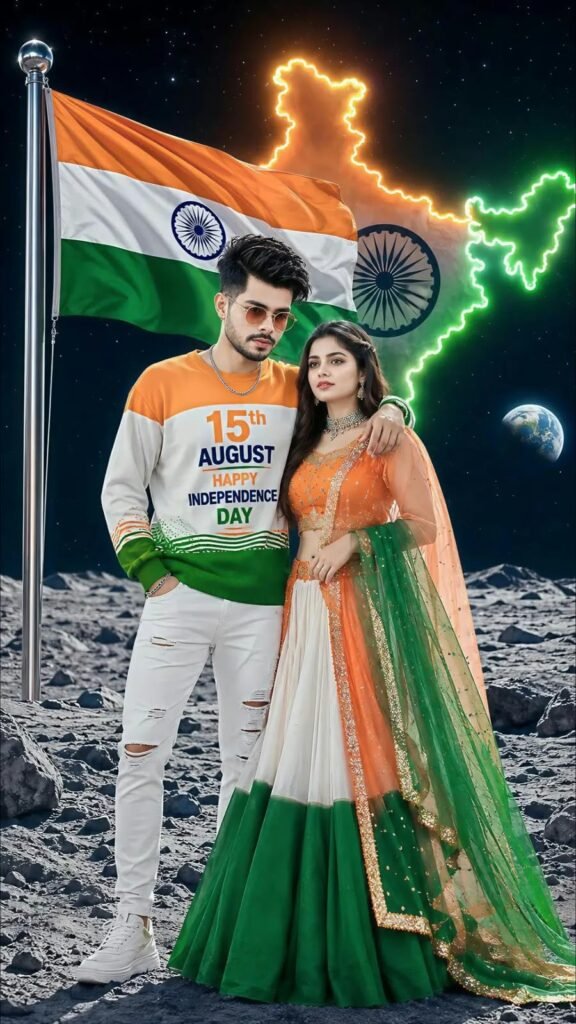
Create a Vertical 4:5 ultra-realistic cinematic 15th August Independence Day poster young Indian man in white kurta-pajama saluting, flowing tricolor scarf, Red Fort-style monument and massive patriotic crowd behind, giant Indian flag, fighter jets, dramatic golden clouds, monumental freedom-fighter portrait, ornate gold 3D “15th AUGUST” typography,huge tricolor “JAI HIND” lettering with Ashoka Chakra, golden-hour volumetric lighting,HDR, photorealistic, 16K UHD, premium patriotic poster.
How to make 15 August Photo
To do 15 August AI Photo Editing Prompt, first of all you should have a high quality image in which your entire body is visible and to edit this photo, you should have its prompt which we are going to give you in this article. After doing all this, let us tell you step by step the complete process of editing photo with 15 august Photo.
- First of all open ChatGpt. You can easily download it from Play Store or App Store, or even directly open Chatgpt on Google.
- Click the plus icon and then click Photos. Upload the photo you want to edit here
- Once the photo is uploaded, paste the prompt here. You can find hints below in this article. Copy it from there and paste it here.
- After this click on send button. Wait a few moments for your photo to be created and sent to you.
- Once the photo is created, you will find a download icon at the top. Click on that icon and your photo will be downloaded.
Now, you can upload this image anywhere including Instagram, Facebook or WhatsApp.
Conclusion
So friends, in today’s article, we will tell you how you can do 15th August Ai photo editing prompt. In this, we will tell you in a very simple way how to edit the photo and where to get the province. Everything is explained step by step in today’s article. If you still do not know how to generate a photo, then we have made a YouTube video and uploaded it. You can watch the video. The name of my channel is Technical Sujit. You can check out on this channel, so in today’s article. Let’s end here