
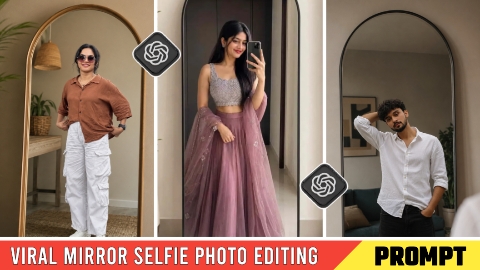
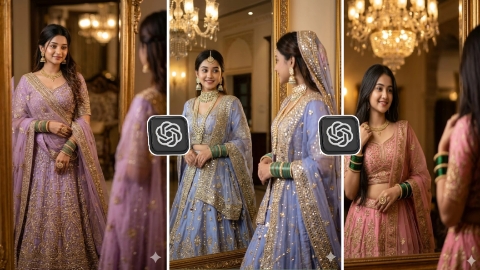
Hello friends! In today’s article, I am going to share—completely free of charge—the prompts for creating viral “Selfie Mirror” AI photos. Many people are editing and uploading these types of photos to their social media platforms, garnering hundreds of thousands of likes and comments. These photos look stunning, and everyone wants to create and share them on their WhatsApp, Instagram, or Facebook stories; however, many struggle to find the right prompts to create them. So, in this article, I will explain the entire process step-by-step—showing you how to edit these selfie mirror photos and where to find the prompts. Without wasting any more time, let’s dive into the editing process. Before we begin, I have a small request: please read this article thoroughly from start to finish, as I have explained everything in great detail, step-by-step.
Why is Mirror AI Photo Editing going viral?
The main reason “Mirror AI Photo Editing” has gone viral is that the resulting images look stunning; since not everyone owns such a stylish mirror, the photo creates the impression of having a chic mirror and a plant in the room—offering a bit of a “flex” or show-off factor. However, the reality is that you can create this look using AI photo editing tools and share the image on platforms like Instagram, WhatsApp, or Facebook. Friends who see the photo are likely to love it and want to create similar mirror-style images for their own social media profiles, often asking for the specific “prompt” used in the comments section. Since it isn’t feasible to provide the prompt to everyone individually, this article will share the prompt and teach you how to do the editing yourself. The more likes and comments your photo or video receives, the more viral it becomes—which is why mirror-style AI photo editing is currently trending so heavily.
Viral Selfie Mirror AI Photo Editing Prompts
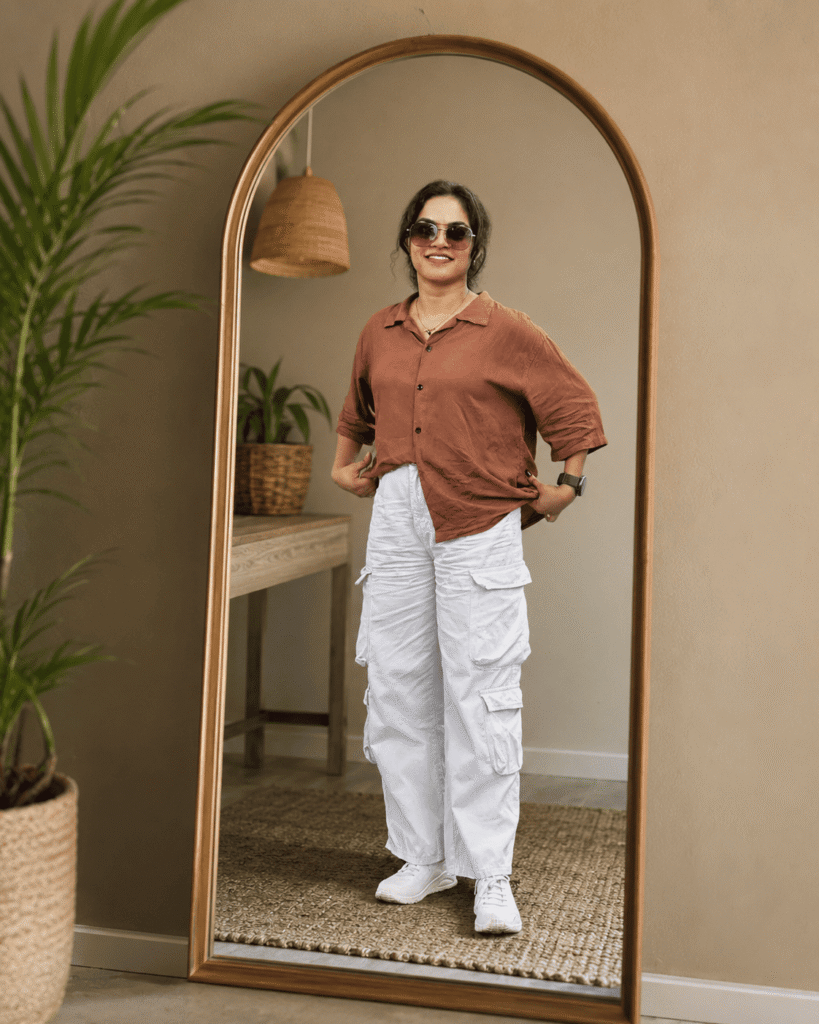
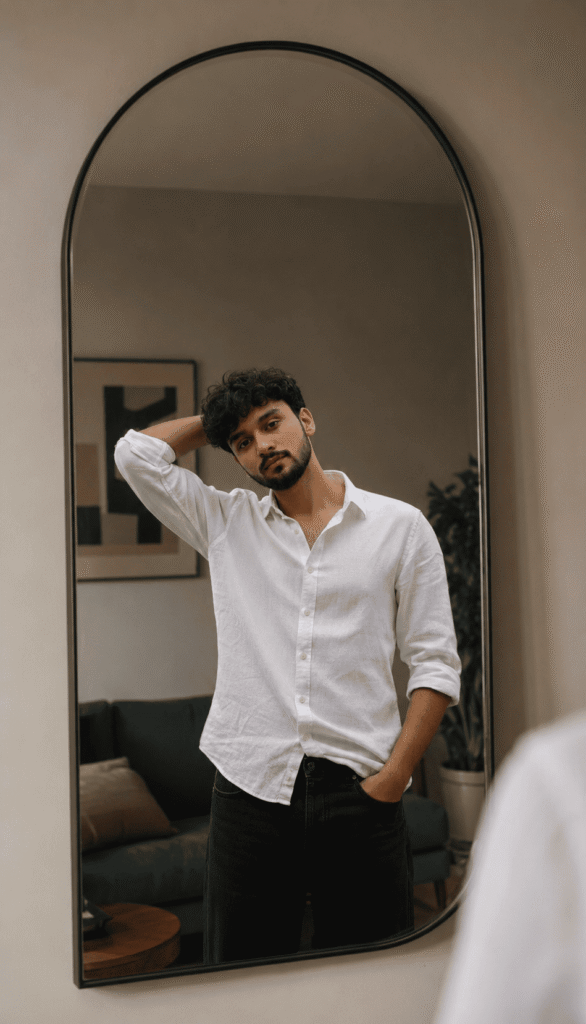
Analyze both uploaded images automatically: IMAGE 1 is the source selfie/photo and IMAGE 2 is the destination empty mirror. Replace the reflection inside the destination mirror with the person from IMAGE 1 while maintaining strict identity preservation. Preserve the person's face 100% exactly as in the source image, including facial structure, eyes, nose, lips, jawline, skin texture, hairstyle, age, body shape, expression, ethnicity, and overall identity. Do not apply beautification, face enhancement, Al face recreation, face swapping, or any facial modifications, and maintain the exact real-person likeness. Automatically detect the shape, size, angle, curvature, perspective, and position of the destination mirror, then place the person naturally inside the mirror reflection as if they were originally standing in front of it. If necessary, intelligently adjust body angle, camera perspective, crop, framing, distance, or pose alignment only to fit the mirror realistically, without distorting the face or body. The process should work with any selfie, portrait, mirror selfie, standing pose, sitting pose, indoor photo, outdoor photo, or full-body image, and with any mirror shape including arched, round, oval, irregular, designer, wall-mounted, floor, or luxury mirrors. Automatically scale and reposition the subject to fit the mirror naturally. Match the reflection lighting to the destination environment by adapting brightness, shadows, highlights, contrast, reflections, color temperature, ambient light, and exposure while blending the subject seamlessly into the scene and preserving realism. Create authentic mirror reflection behavior with natural depth, perspective, mirror distortion, edge reflections, and realistic optical characteristics so the reflection appears physically accurate and naturally captured by a real camera. Enhance the source image quality to ultra-clean 4K by removing blur, compression artifacts, noise, low-resolution softness, and pixelation while maintaining realistic skin texture and clothing details. Produce DSLR-quality realism with professional photography standards. The final output should be a photorealistic 4K ultra-HD image in which the person from IMAGE 1 appears naturally reflected inside the mirror fra IMAGE 2, with perfect identity preservation, realistic cthefrerevironmentiratched lighting, seamless blending, and absolutely no Al-generated face changes.
How to do Mirror Photo Editing?
To do Mirror Ai Photo Editing, first of all you should have a high quality image in which your full body is visible and to edit this photo you should have its prompt which we are going to give you in this article. After doing all this, let us tell you step by step the entire process of how to edit the Mirror photo
- First, open Chatgpt. You can easily download it from the Play Store or App Store, or you can also open Chatgpt directly on Google.
- Click the plus icon and then click on Photos. Upload the photo you want to edit here
- Once the photo is uploaded, paste the prompt here. You can find the prompt below in this article. Copy it from there and paste it here.
- After that, click the Send button. Wait a moment for your photo to be created and sent to you.
- Once the photo is created, you will find a download icon at the top. Click on that icon and your photo will be downloaded.
Now, you can upload this image anywhere, including Instagram, Facebook, or WhatsApp.
Conclusion
So friends, I have explained in great detail how you can create the viral ‘Selfie Mirror AI’ edit. If you still haven’t quite grasped the process, I have uploaded a video tutorial on my YouTube channel, ‘Technical Sujit,’ where I regularly post content on the latest trends—so feel free to check it out there. If you enjoyed this article, please share it with your family and friends so they can also try out this Mirror AI photo editing style. That’s all for today’s article; see you next time with another trending topic.


1 thought on “Viral Selfie Mirror AI Photo Editing Prompts 2026”