
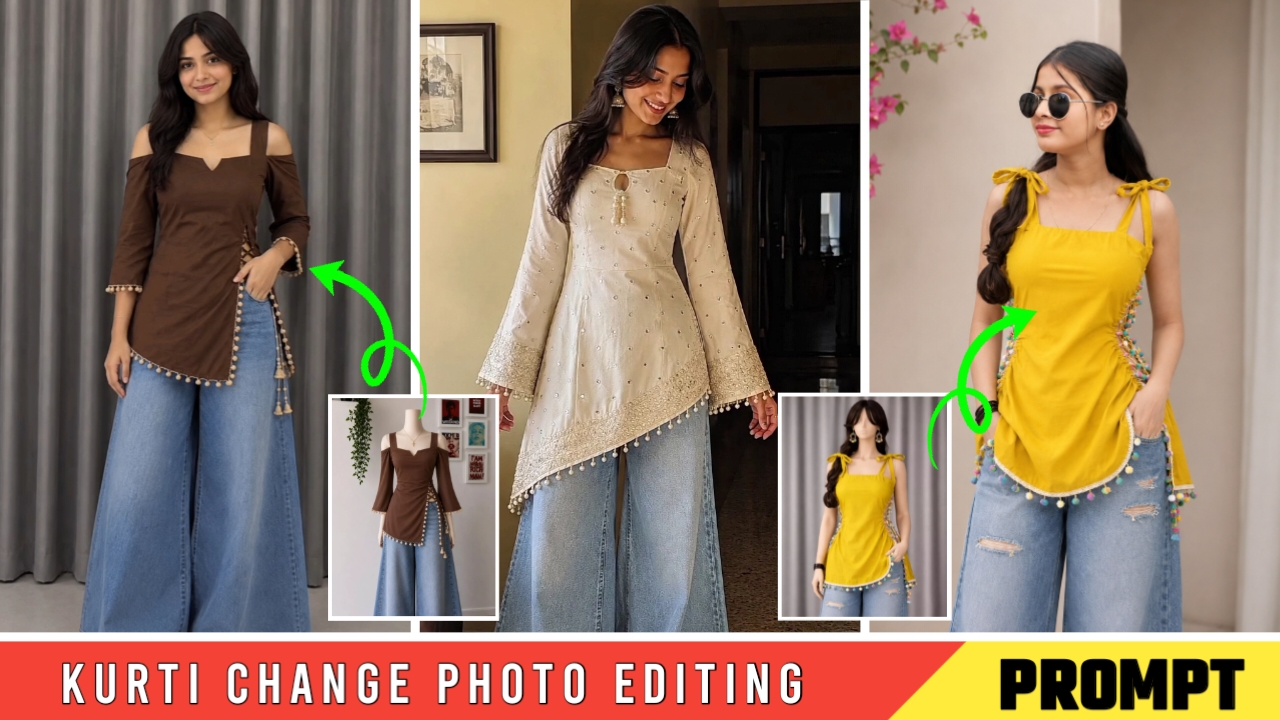
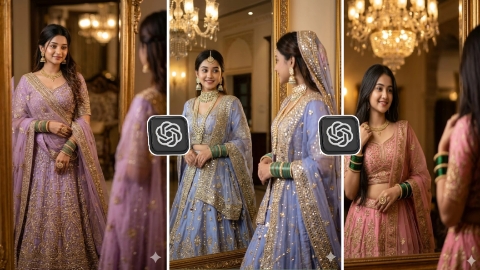
Kurti Change Photo Editing Ai Prompt is becoming very viral on Instagram. Many people are converting their outfit into trending kurti and uploading that photo on their social media platform, whose photos are getting lakhs of likes and comments and in most of the comments, people just ask for prompt so that they can do their own trending kurti photo editing like that, but it is not possible to reply to all the comments, so for all those brothers and sisters, we have brought Kurti Change Photo Editing Ai Prompt, in this we are going to teach you everything step by step, where to get the prompt and how to edit, so without wasting time, let us learn you step by step, before that, I have a small request from you, read this article very carefully till the end, all your problems will be solved and your photo will be made in a perfect manner and will be ready.
Why is Kurti Change Photo Editing going viral?
The main reason for Kurti Change Photo Editing going viral is that you can make such a photo in just one click with the help of Ai Prompt and many brothers and sisters are downloading their outfit from any shopping app and before buying it, they are changing the output on their photo and seeing how this dress will look on me and after editing such a photo, they are posting it in their Instagram, WhatsApp, Facebook story due to which their family members around them see it and they also want to know how such a beautiful outfit changing photo is made and they all like that photo very much and like and comment on it and a lot of comments come that give the shopping link of this dress because many people like that dress and they want us to ask for this dress too, so those people go to the comment box and ask for the shopping link of that dress due to which the video gets a lot of likes and comments due to which this photo is going viral.
Kurti Change Photo Editing Ai Prompt
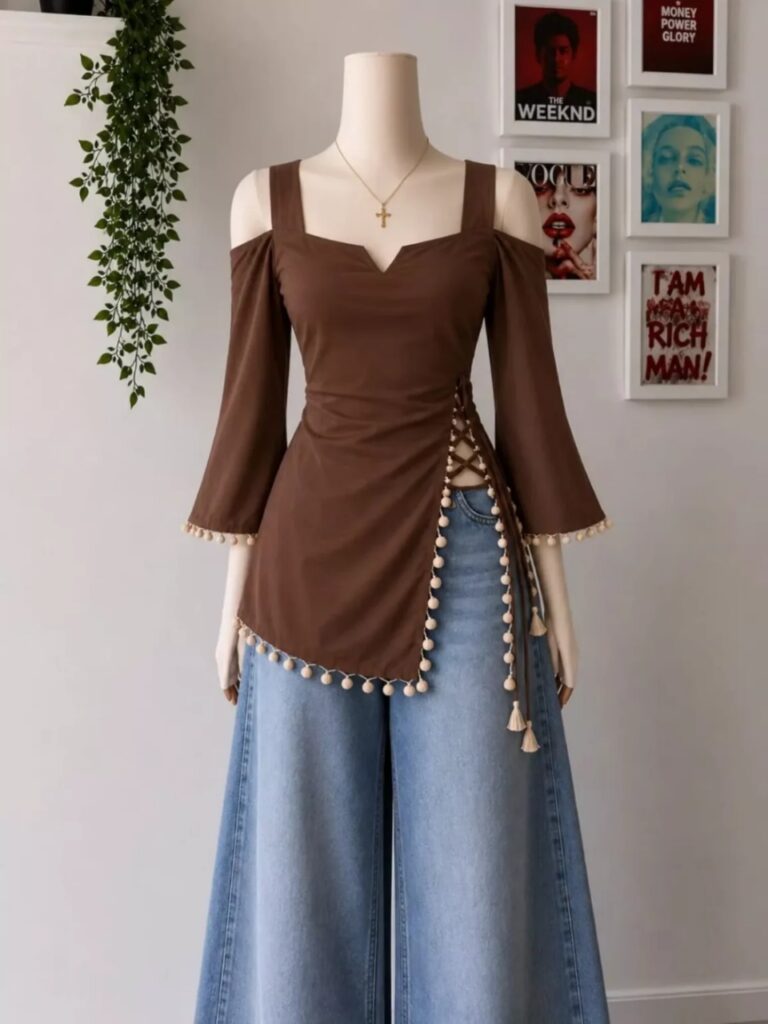
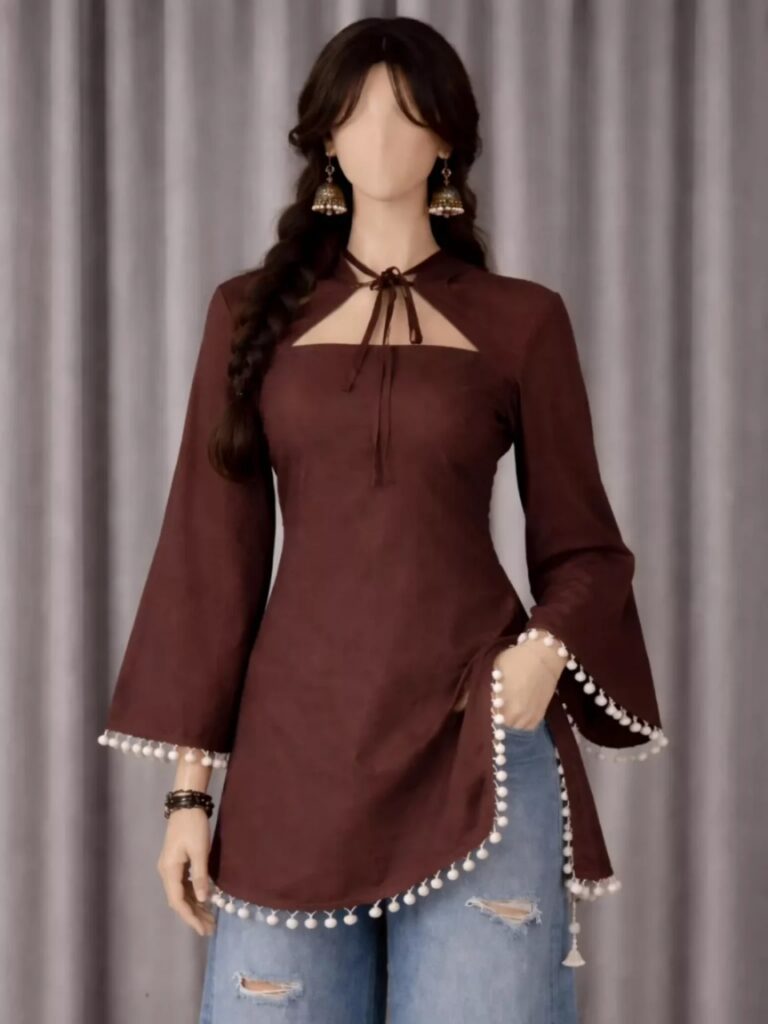
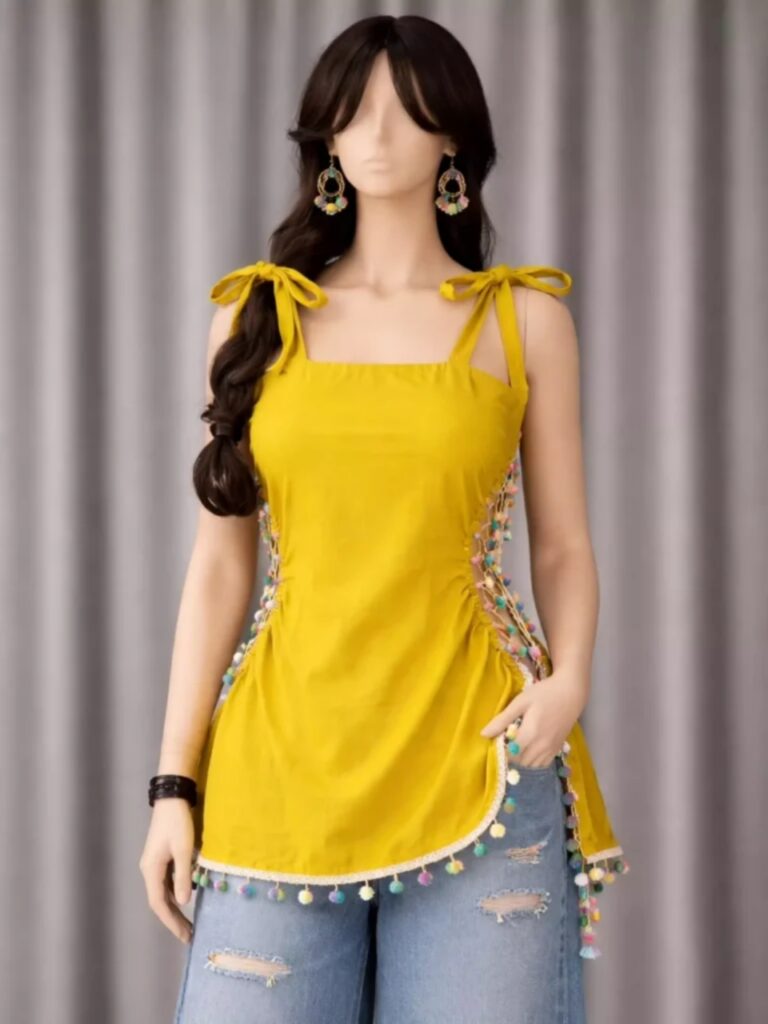
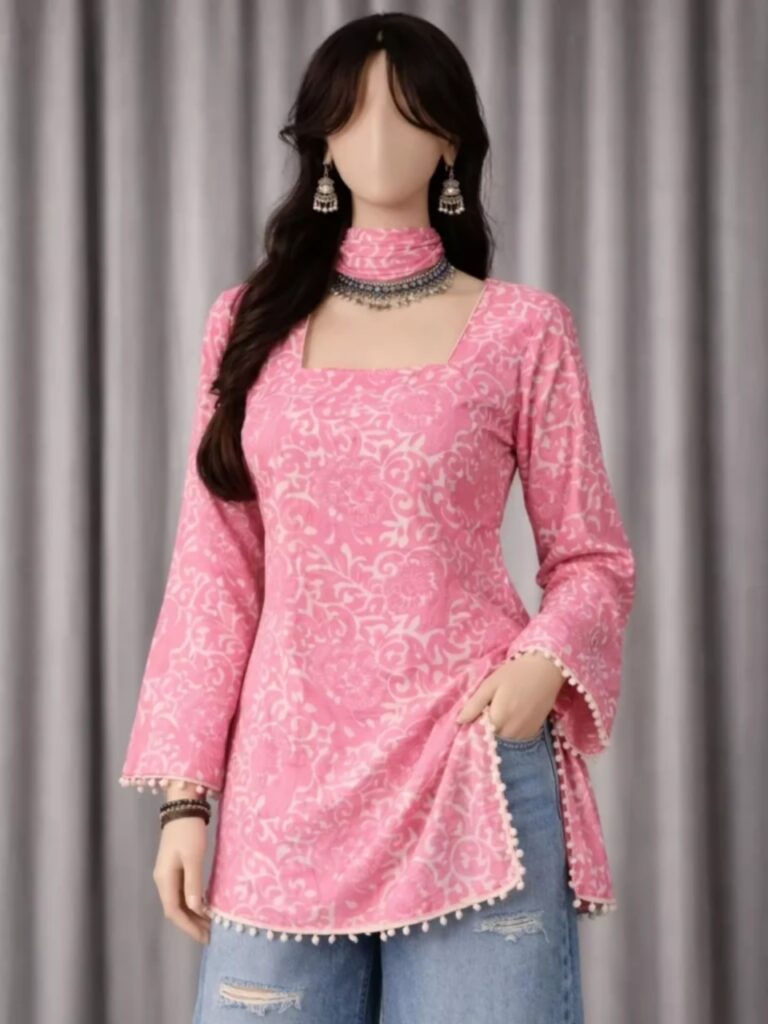
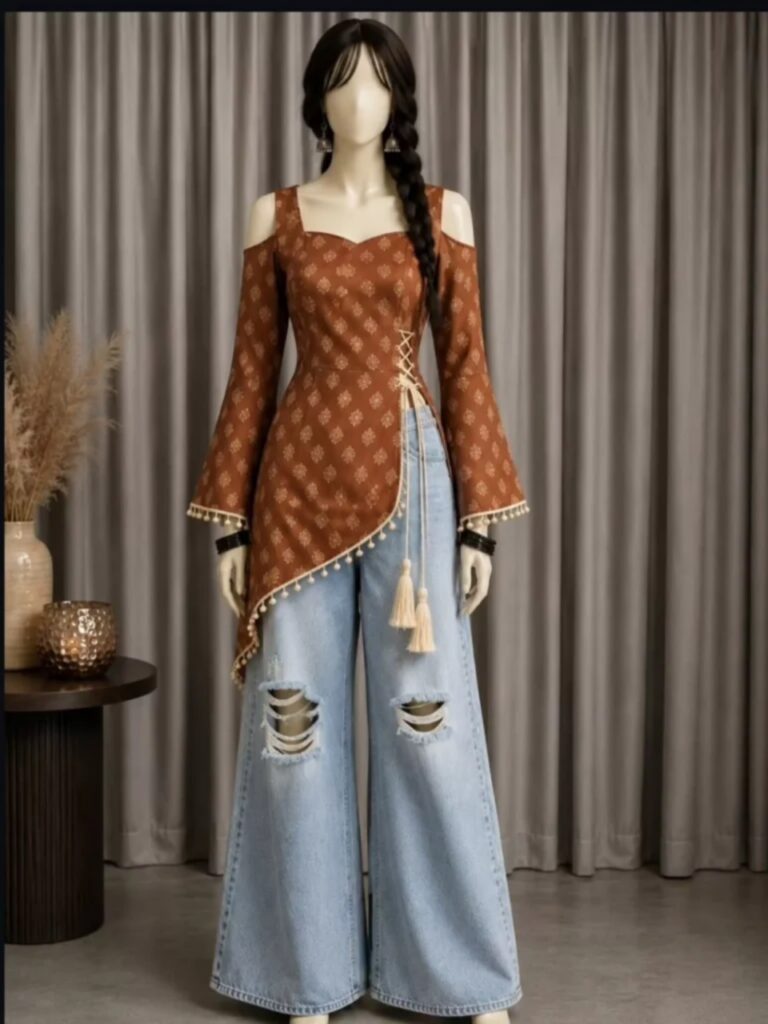
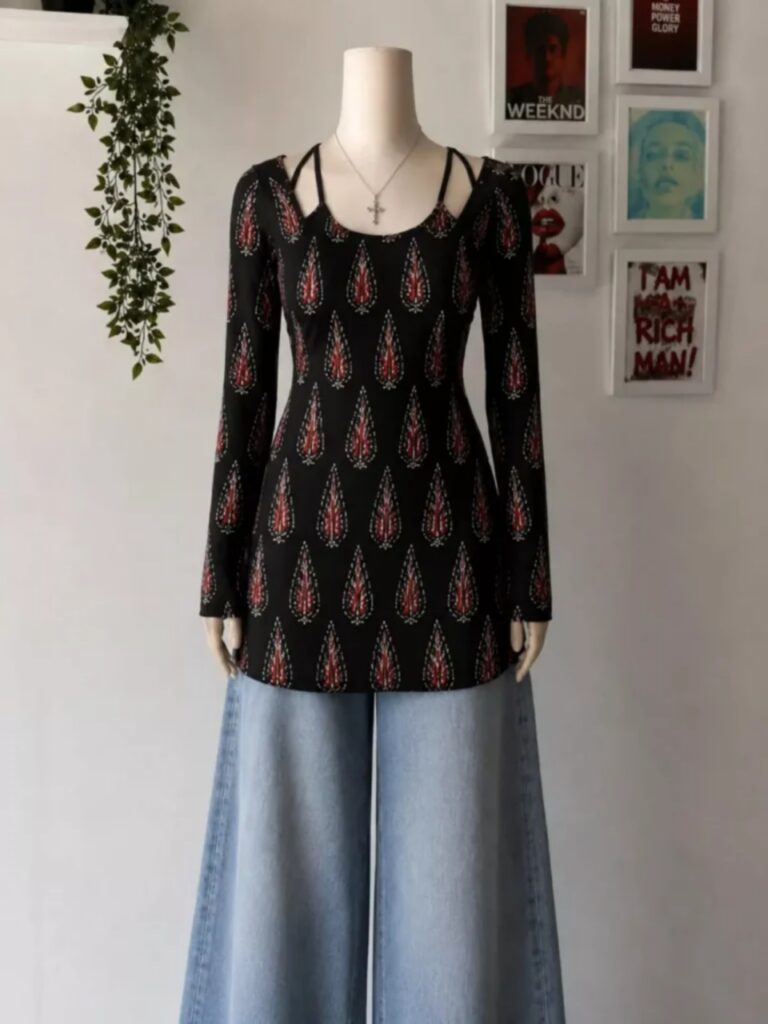
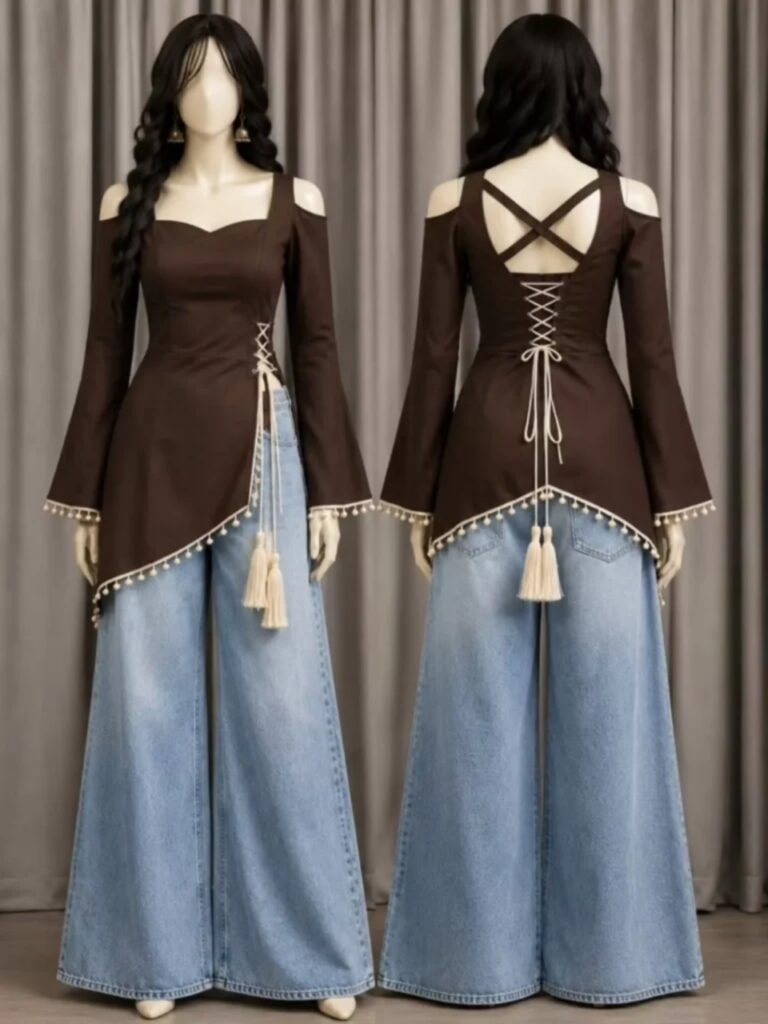
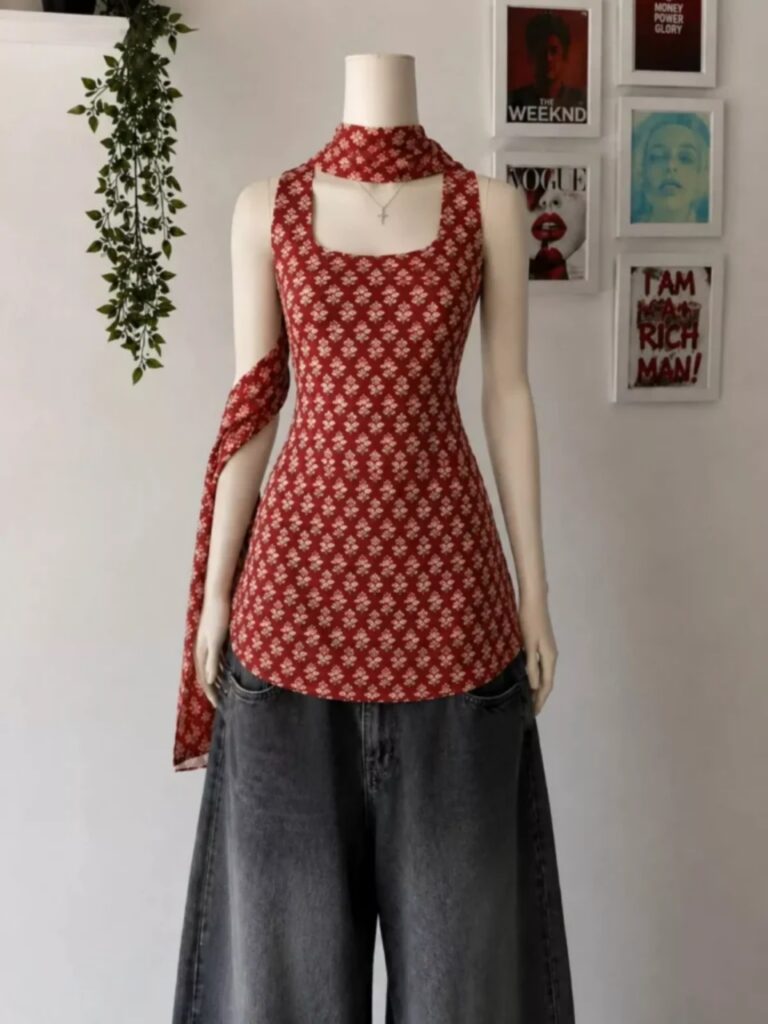
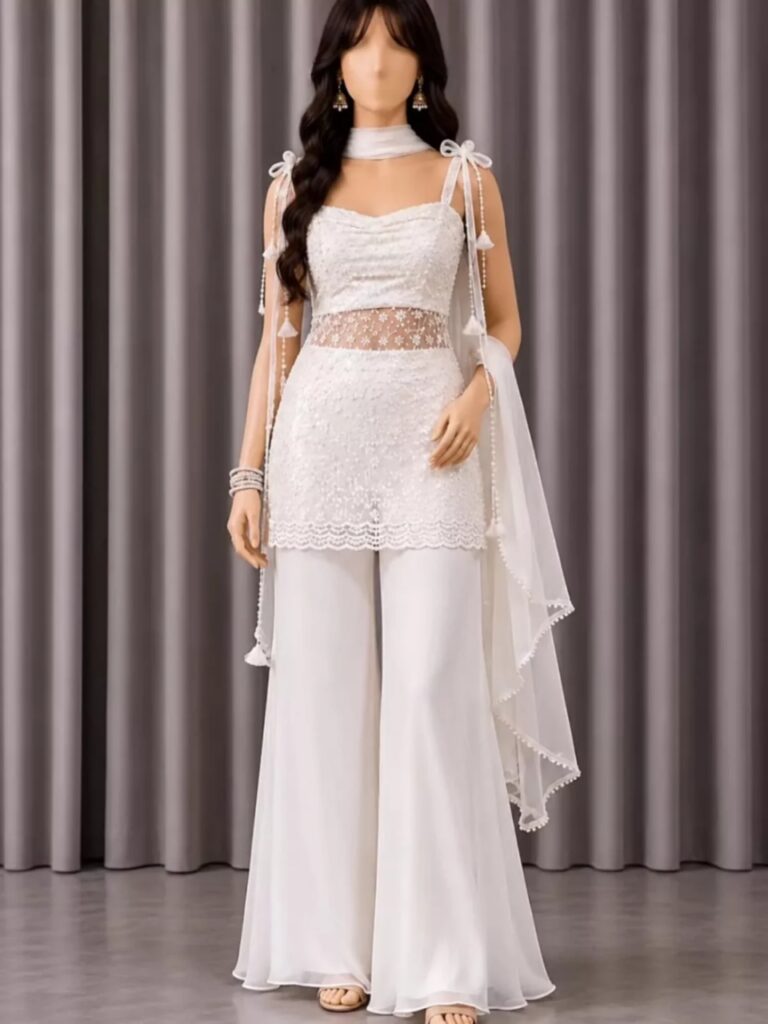
Use the uploaded person photo exactly as the face and body reference. Preserve facial identity, skin tone, hairstyle, body proportions, age appearance, and all unique facial features 100% accurately. Use the uploaded outfit image as the exact clothing reference. Transfer the outfit precisely onto the person, matching the same design, colors, patterns, embroidery, fabric texture, stitching, accessories, fit, folds, and overall styling from the outfit reference image.Create an ultra-realistic Indian fashion photoshoot with premium boutique quality. Ensure natural body fitting and realistic garment draping. Maintain authentic fabric behavior, detailed stitching, realistic shadows, and accurate clothing proportions. DSLR-quality photography, professional studio lighting, clean aesthetic background, cinematic fashion-editorial look, elegant model pose, sharp focus, highly detailed skin texture, luxury fashion catalog style, Instagram boutique model appearance.Keep the outfit exactly matching the uploaded dress reference image without changing its design, color, or details. Preserve the person's face completely unchanged. Photorealistic, 8K ultra-detailed, fashion campaign quality, vertical 9:16 ratio.
How to do Kurti Change Photo Editing?
To do Kurti Change Photo Editing, first of all you should have a high quality image in which your full body is visible and to edit this photo you should have its prompt which we are going to give you in this article. After doing all this, let us tell you step by step the entire process of how to edit the outfit change photo.
- First, open Chatgpt. You can easily download it from the Play Store or App Store, or you can also open Chatgpt directly on Google.
- Click the plus icon and then click on Photos. Upload the photo you want to edit here.
- Once the photo is uploaded, paste the prompt here. You can find the prompt below in this article. Copy it from there and paste it here.
- After that, click the Send button. Wait a moment for your photo to be created and sent to you.
- Once the photo is created, you will find a download icon at the top. Click on that icon and your photo will be downloaded.
Now, you can upload this image anywhere, including Instagram, Facebook, or WhatsApp.
Conclusion
So friends, I have told you all in a perfect way, step by step, how to do Kurti Change Photo Editing. If you still do not understand, then we will make a video on this and upload it. You can also watch it on our YouTube channel. The name of my YouTube channel is Technical Sujit. You can easily edit such photos by watching this channel. If you all liked this article, then share this article with your friends so that your friends can also do such Kurti Change Photo Editing and stay connected with your Instagram friends. So, let’s end this article here and meet with another trend.


Punam tiwari