
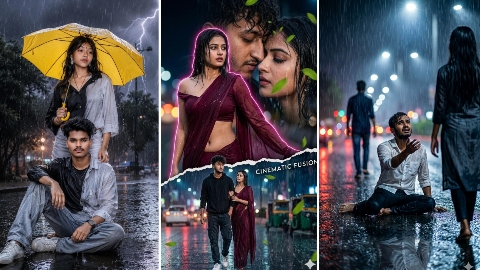
Hello friends, in today’s article, we are going to give you all a completely free Rain Ai photo editing prompt, using which you can create such a photo in a very short time. Rain Ai photo is becoming very viral on Instagram and we will also talk about why the virus is happening. People are liking such a photo very much because right now the rainy season is going on, so people have a lot of interest in uploading photos according to the weather. So in today’s Aditya Kal, we are going to give you all a photo editing plot on rain in which a boy’s Is going to start and is going to start for the girl and is also going to start for the couple, so without skipping this article, see the whole process step by step, you can edit such a photo very easily.
Why is rain AI photo going viral?
The main reason for going viral is that now the rainy season is going on and many people want to upload the photos according to the season and on Instagram you will always see whenever any season has come whether it is windy season or it is raining season or it is raining season. After editing the photo taken during the rain, I am uploading it on my social media platform. I am getting a lot of likes and comments on the photo and the biggest thing is that the audience retention of the image is very high due to the photo.
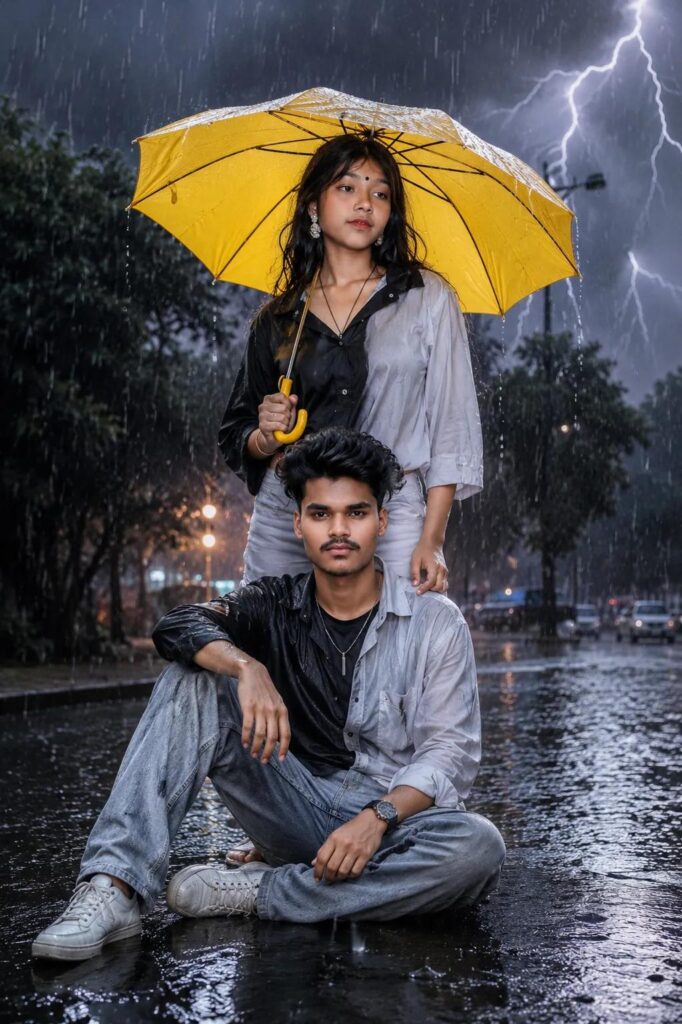
A cinematic photo of an Indian boy sitting on a wet road and an Indian girl standing behind him holding a yellow umbrella during a heavy thunderstorm. Both are wearing matching split half-black and half- white shirts and grey jeans. Dramatic lightning in the dark night sky, heavy rain pouring, reflections on the wet street, hyper-realistic, photorealistic.
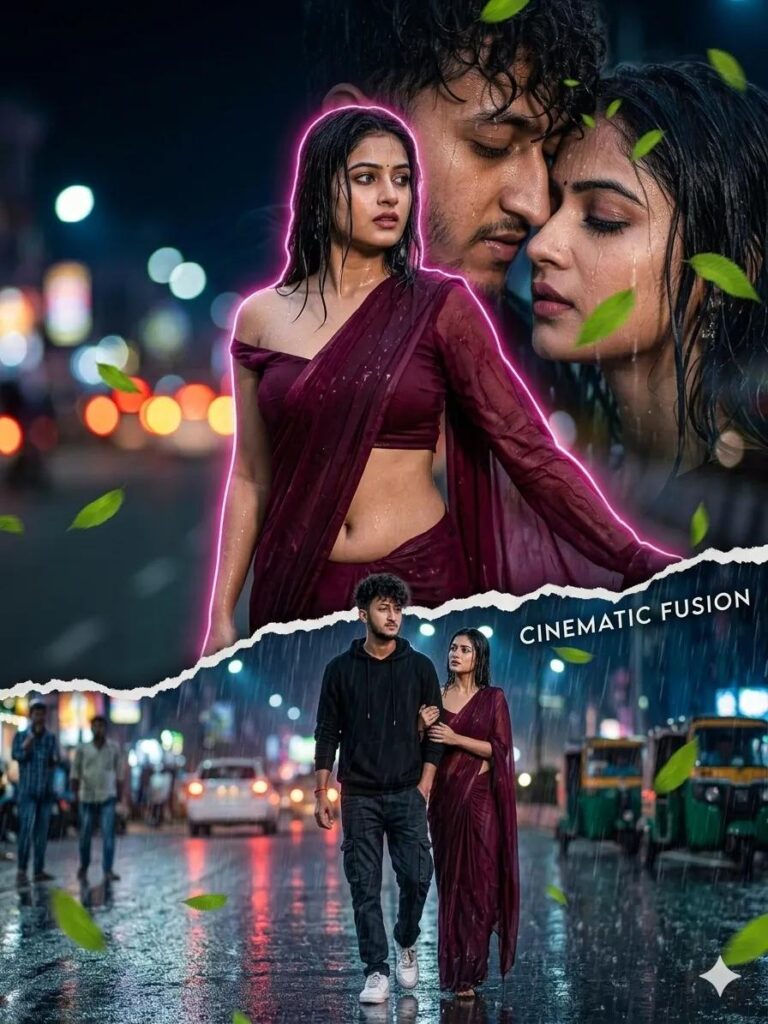
SAME CINEMATIC COMPOSITE □ layout — man + woman version — Man: Same — black hoodie, cargo pants, white sneakers, curly messy hair, stubble, NO glasses Woman: Black or deep burgundy georgette saree — pallu loosely draped, slipping off one shoulder, midriff bare, wet from rain, hair drenched and plastered — dramatic contrast against dark scene 3 composite layers: — Background ghost portrait: Both faces close-up, him behind her, rain on both
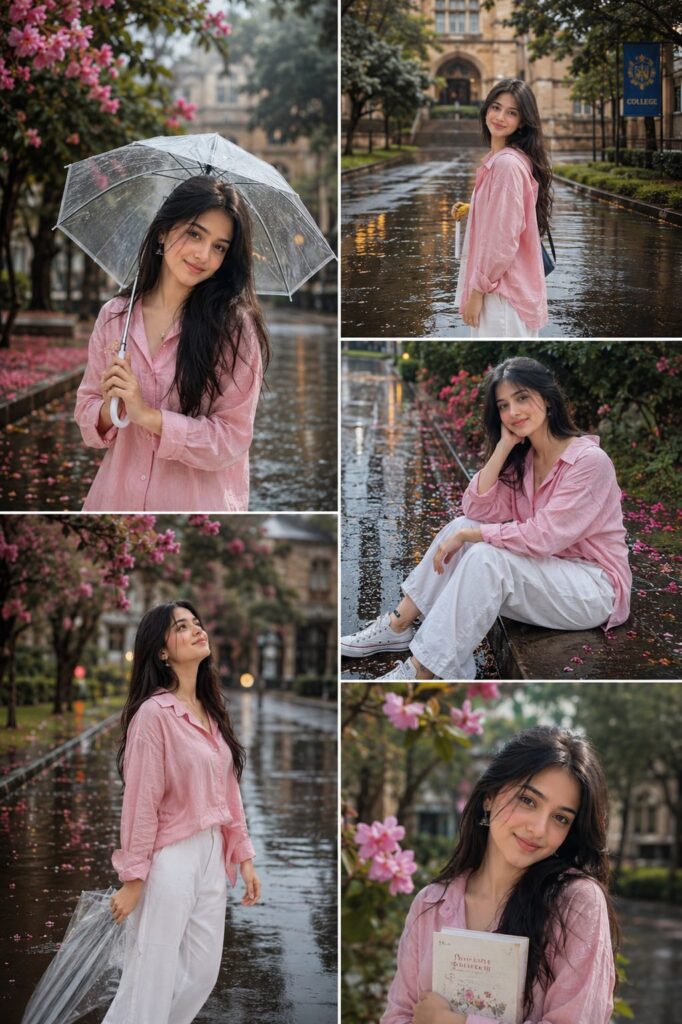
Aesthetic rainy season college portrait collage of a stylish young woman in a pink oversized shirt and white wide-leg pants, enjoying the rain on a campus road with blooming pink flowers, wet pavement reflections, soft cinematic lighting, dreamy mood, vibrant colors, multiple poses, photorealistic, Instagram poster style, shallow depth of field, 4K.
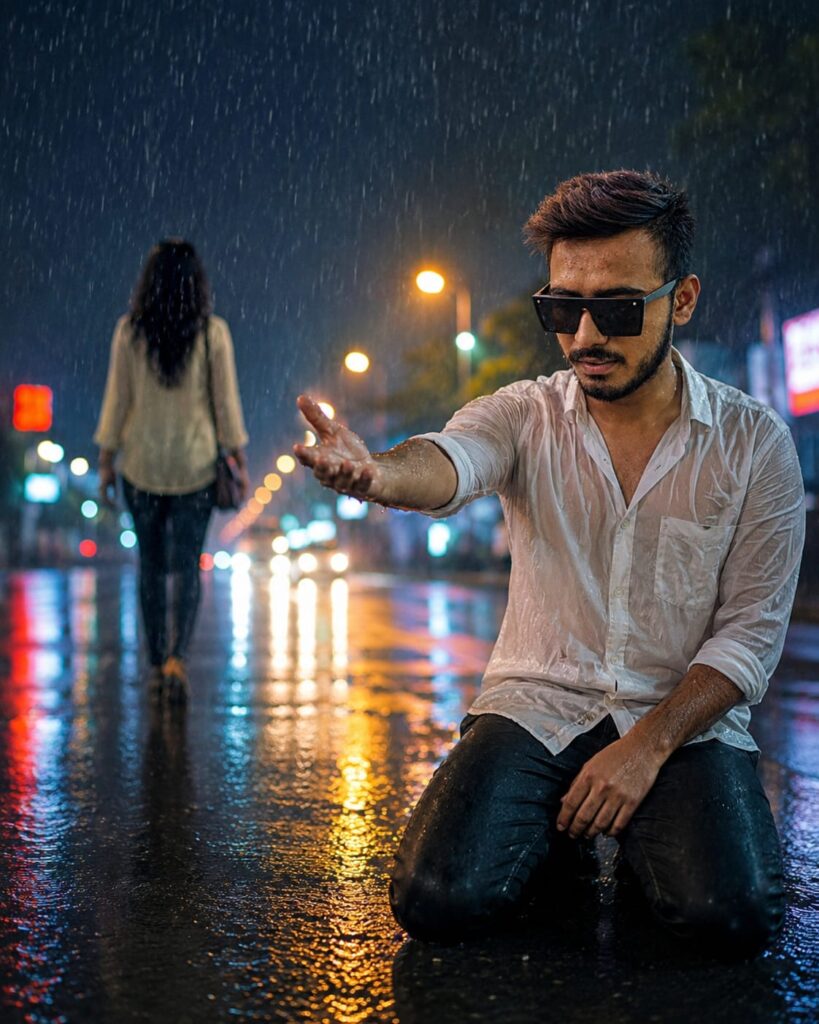
Ultra realistic cinematic heartbreak scene in heavy light rain at night, use the reference photo for exact face match (100%), keep the same facial features, hairstyle, beard, skin texture and identity. The man is sitting properly on both knees on a wet road, body slightly turned toward a girl who is walking away from him. His face and one extended hand are directed toward the girl in a pleading gesture. The girl is several steps away, seen from the back, emotionally leaving him. Dramatic breakup moment, reflective wet street, soft rain falling, glowing streetlights, colorful bokeh lights, realistic water reflections on the ground, emotional sad expression, cinematic depth of field, high detail, realistic clothing, white wet shirt and dark pants, ultra realistic lighting, brighter exposure, HDR, 8K quality, movie poster style, emotional atmosphere, loneliness, heartbreak, realistic shadows, natural body proportions, professional photography, masterpiece, no face distortion, ratio 9:16
How to make rain AI photo
To do Barish Ai Photo Editing Prompt, first of all you should have a high quality image in which your entire body is visible and to edit this photo, you should have its prompt which we are going to give you in this article. After doing all this, let us tell you step by step the complete process of editing photo with Barish.
- First of all open ChatGpt. You can easily download it from Play Store or App Store, or even directly open Chatgpt on Google.
- Click the plus icon and then click Photos. Upload the photo you want to edit here
- Once the photo is uploaded, paste the prompt here. You can find hints below in this article. Copy it from there and paste it here.
- After this click on send button. Wait a few moments for your photo to be created and sent to you.
- Once the photo is created, you will find a download icon at the top. Click on that icon and your photo will be downloaded.
Now, you can upload this image anywhere including Instagram, Facebook or WhatsApp.
Conclusion
So friends, we have told you in very easy language how you can do rain AI photo editing. In this article, we have told you where to get the prompt, how to edit the photo. Sir, the steps have been explained in detail. If you are still not able to make a photo, then we have made a video on it and uploaded it. You can watch the video. The name of our YouTube channel is Technical Sujit. From that channel, you can learn how to edit photos by watching the video, so today’s article ends here. let’s meet with another trend


1 thought on “Barish Ai Photo Editing Prompt”